
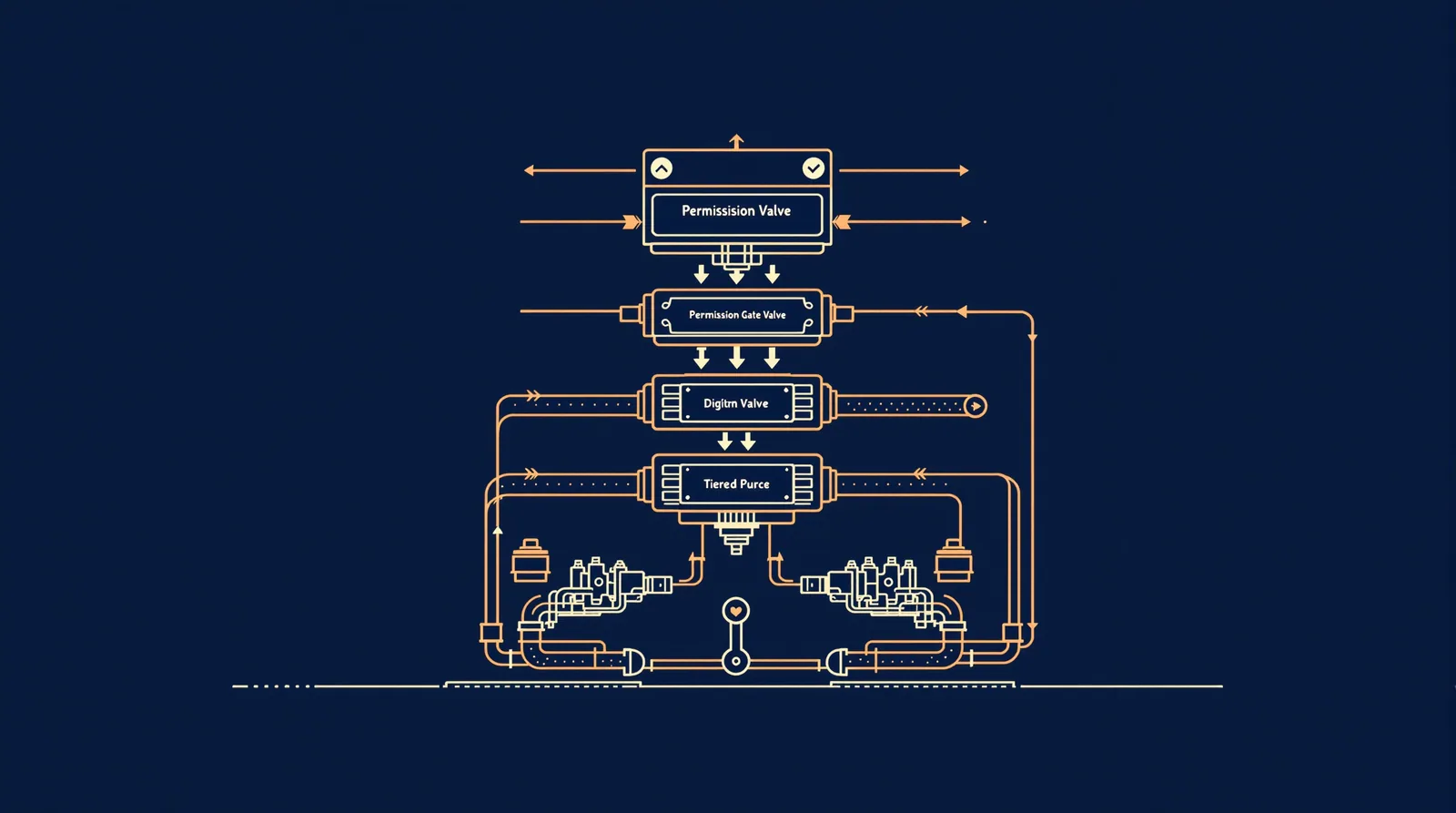
Permission rules in Claude Code are enforced by the agent runtime, not by the model itself. That distinction matters more than it sounds. Instructions in your prompt or CLAUDE.md shape what Claude tries to do, but they don't change what Claude Code actually allows, as the official permissions documentation makes clear. To grant or revoke access you use /permissions , the settings files described below, a permission mode, or a PreToolUse hook. This post walks through every layer: choosing a mode, understanding precedence, writing a working policy file, testing it, and knowing where the whole system can't help you.
Choose a Permission Mode
The mode you pick sets the baseline for everything else. There are five.
Manual stops Claude Code before most file edits, shell commands, and network calls. You confirm each one. Slow, but nothing surprises you.
Auto hands approval to a classifier model that reviews actions on your behalf. On Pro, Max, and Team plans this is the built-in starting mode, according to the permission modes docs. The classifier has its own rules about which actions it reviews and which it skips, so auto isn't the same as "approve everything."
Accept Edits auto-approves file operations but still prompts for shell commands. A reasonable middle ground for solo work on a codebase you own and understand.
Plan blocks file edits and shell writes entirely. Claude can read, reason, and output a plan, but it cannot act. Good for early-stage reviews when you want to see the approach before anything changes.
dontAsk auto-denies any tool not on your explicit allow list. No prompt, just a silent denial. This is the right mode for CI/CD pipelines where no one is watching.
bypassPermissions skips all checks. Claude executes whatever it wants. Useful in sandboxed throwaway environments; not something to run against a production repo.
To pin the starting mode in VS Code, set claudeCode.initialPermissionMode in your user settings to default , manual , acceptEdits , plan , or bypassPermissions . Note: the setting doesn't accept auto. To start in Auto, leave it unset and pick it once from the mode indicator; the extension remembers that choice for subsequent conversations.
For terminal sessions, set permissions.defaultMode in ~/.claude/settings.json or in managed settings. That value applies on Pro, Max, and Team plans when feature-flag fetching is available.
One edge case worth knowing: if your organisation has set a claude.ai connector tool to ask , allow rules for that tool don't take effect even in auto or bypassPermissions modes. Claude Code prompts on every call. In dontAsk mode, it denies the call instead of prompting.
How Rules and Settings Precedence Work
Five layers, evaluated top to bottom. A higher layer wins.

- Managed settings (
managed-settings.json): IT-deployed, non-overridable. If your organisation blocks SSH here, that's final. - Local settings (
.claude/settings.local.json): per-machine, gitignored by default. Personal or security-sensitive overrides go here. - Project settings (
.claude/settings.json): committed to the repo. Shared across the whole team for that project. - User settings (
~/.claude/settings.json): global defaults, applied to every project unless a higher layer overrides them. - Session flags:
--dangerously-skip-permissionsand similar runtime arguments.
The admin setup documentation adds two lockdown controls worth knowing about: allowManagedPermissionRulesOnly (makes managed settings the only source of permission rules, ignoring user and project files) and permissions.disableBypassPermissionsMode (removes the bypass option entirely). If you're running an agency with contractors touching client repos, those two settings together give you a hard ceiling that no developer can quietly undo.
Each layer accepts three rule types: allow , deny , and ask . Within a layer, deny beats allow . Shell-pattern matching is supported (for example Bash(git *)), but be precise: a pattern that looks airtight in testing often has gaps when actual command strings differ from what you expected.
One thing the docs flag explicitly: denying WebFetch blocks Claude's fetch tool, but if Bash is allowed, curl and wget can still reach any URL. Sandboxing (via /sandbox) closes that gap with a domain allowlist enforced at the OS level. Permissions and sandboxing cover different layers and you generally want both for anything serious.
A Client-Repository Policy Example
Here's an illustrative .claude/settings.json for a client project where the team can run builds and read the database but shouldn't touch deployment scripts or secrets. This is a representative structure, not a copy-paste production policy.
{
"permissions": {
"defaultMode": "auto",
"allow": [
"Bash(npm run build)",
"Bash(npm run test*)",
"Bash(git log*)",
"Bash(git diff*)",
"Bash(git status)",
"Read(**)"
],
"deny": [
"Bash(rm -rf*)",
"Bash(git push*)",
"Bash(kubectl*)",
"Edit(.env*)",
"Edit(deploy/**)"
]
}
}
Alongside this, a ~/.claude/settings.json on each developer's machine handles personal global trust, like allowing curl for general use. Sensitive credentials or machine-specific paths go in .claude/settings.local.json, which git won't commit.
For the CLAUDE.md side of this, where you set conventions and project context rather than enforcement rules, the agency guide to CLAUDE.md covers the authoring workflow in detail.
Test the Policy with Realistic Commands
Put the policy in a disposable repository (a bare git init in a temp directory works fine), then run a handful of commands that exercise all three rule categories. The goal is to see which ones prompt, which execute silently, and which are denied without a prompt.
A representative test sequence:
npm run build(should auto-approve, it's in the allow list)git diff HEAD~1(should auto-approve)git push origin main(should be denied)rm -rf node_modules(should be denied)- Edit a file inside
deploy/(should be denied) - Edit
src/index.js(no deny rule, no explicit allow: behaviour depends on mode) - A
curlcall to an external URL (tests whetherBashallow rules and sandbox interact)
Watch specifically for case 6. In auto mode the classifier reviews it. In dontAsk mode it's silently denied because it's not on the allow list. That difference will surprise developers who test in one mode and deploy in another.
If you're adding event-level automation on top of this (running linters on file saves, triggering notifications on specific tool calls), that's a hooks concern rather than a permissions one. The hooks guide covers PreToolUse and PostToolUse in full.
For teams that need unattended runs or CI integration, consider using the Claude Code agency setup to get the configuration baseline right from the start.
Managed Settings and Unattended Jobs
When no human is present to click "approve," the permissions model has to be fully pre-declared. That points to dontAsk mode with an explicit allow list in managed settings.
The admin setup docs give you permissions.defaultMode as the managed key for this. Set it to dontAsk , then enumerate exactly what the job needs in permissions.allow. Anything not listed gets silently denied. That's what you want in a pipeline.
A few things the official docs note for agent-team scenarios (where a lead session spawns teammates):
- Teammates start with the lead's permission settings. If the lead runs with
--dangerously-skip-permissions, all teammates do too. - You can change individual teammate modes after spawning, but not at spawn time.
- Teammate permission prompts surface in the lead session. Plan approvals are the designed exception: the lead grants those without a separate prompt.
Managed Agents (the platform-level orchestration service) is currently in beta per the Managed Agents overview. Don't architect production pipelines around beta features without a fallback.
For the permissions.disableAutoMode flag: setting it removes auto mode as an option for developers in that organisation. Useful when you want all sessions to stay in a mode where a human or an explicit allow list is making every call, rather than a classifier.
What Permissions Cannot Guarantee
Honest answer: quite a bit.
Shell-pattern deny rules are not a security boundary. They match against the command string Claude Code constructs, but a sufficiently creative prompt injection or a clever rephrasing of a shell command can produce strings your patterns don't catch. The permissions documentation is explicit: deny rules and sandboxing cover different layers. You need both, and even then you're reducing risk, not eliminating it.
bypassPermissions mode doesn't make permitted code harmless. If Claude executes code that contains a bug or does something unexpected, skipping permission checks means there was no gate between "Claude decided to do it" and "it happened."
Permissions also don't vet what's inside the code Claude writes or executes. A dependency it installs, a script it runs, the content of a file it creates: none of that is inspected by the permission system. That's a separate concern, closer to supply-chain hygiene than runtime policy.
And the model itself is not the enforcement layer. You can write CLAUDE.md instructions that say "never touch production secrets." Those instructions shape Claude's intent. They don't prevent a misconfigured allow rule from letting it happen anyway. The runtime is the enforcement layer. The settings files are how you configure the runtime. Treat them accordingly.
FAQ
Do permission settings sync automatically across machines?
No. User settings (~/.claude/settings.json ) are local to each machine. Project settings (.claude/settings.json) sync via git. Managed settings are distributed by your IT infrastructure. There's no built-in sync for user-level files; each developer needs to configure their own.
Can developers override managed settings?
Only within the bounds managed settings allow. If allowManagedPermissionRulesOnly is set, user and project permission rules are ignored entirely. Without that flag, user and project settings can add allow rules, but they can't override a managed deny.
What happens to permission prompts in headless or CI environments?
In dontAsk mode, anything not on the allow list is silently denied. No prompt appears because there's no terminal to show one. That's by design. In auto mode in a headless environment, the classifier still runs, but if it can't resolve a prompt (no TTY), behaviour depends on the runner configuration. Use dontAsk with an explicit allow list for unattended jobs.
Does the permission mode apply to MCP tools the same way it applies to built-in tools?
Mostly, but with differences. MCP tools fetched directly by Claude Code appear as mcp__claude_ai_<server>__<tool>. Allow and deny rules can target them by that name. Tools from connectors your organisation has set to ask always prompt, regardless of mode, with the exception of dontAsk mode, where they're denied instead.
Is it safe to commit `.claude/settings.json` to a public repository?
The file itself is just JSON with tool names and patterns, no secrets. But a public allow list tells anyone reading your repo exactly which operations Claude Code will run without prompting. For open-source projects that's probably fine. For anything proprietary, review what you're committing. Secrets and API keys should never appear in any settings file; those belong in environment variables outside Claude Code's config.
The sharpest thing to carry away: deny rules and sandboxing solve different problems, and neither one substitutes for the other. Set up both if you're running Claude Code in any environment where the cost of a mistake is real.