
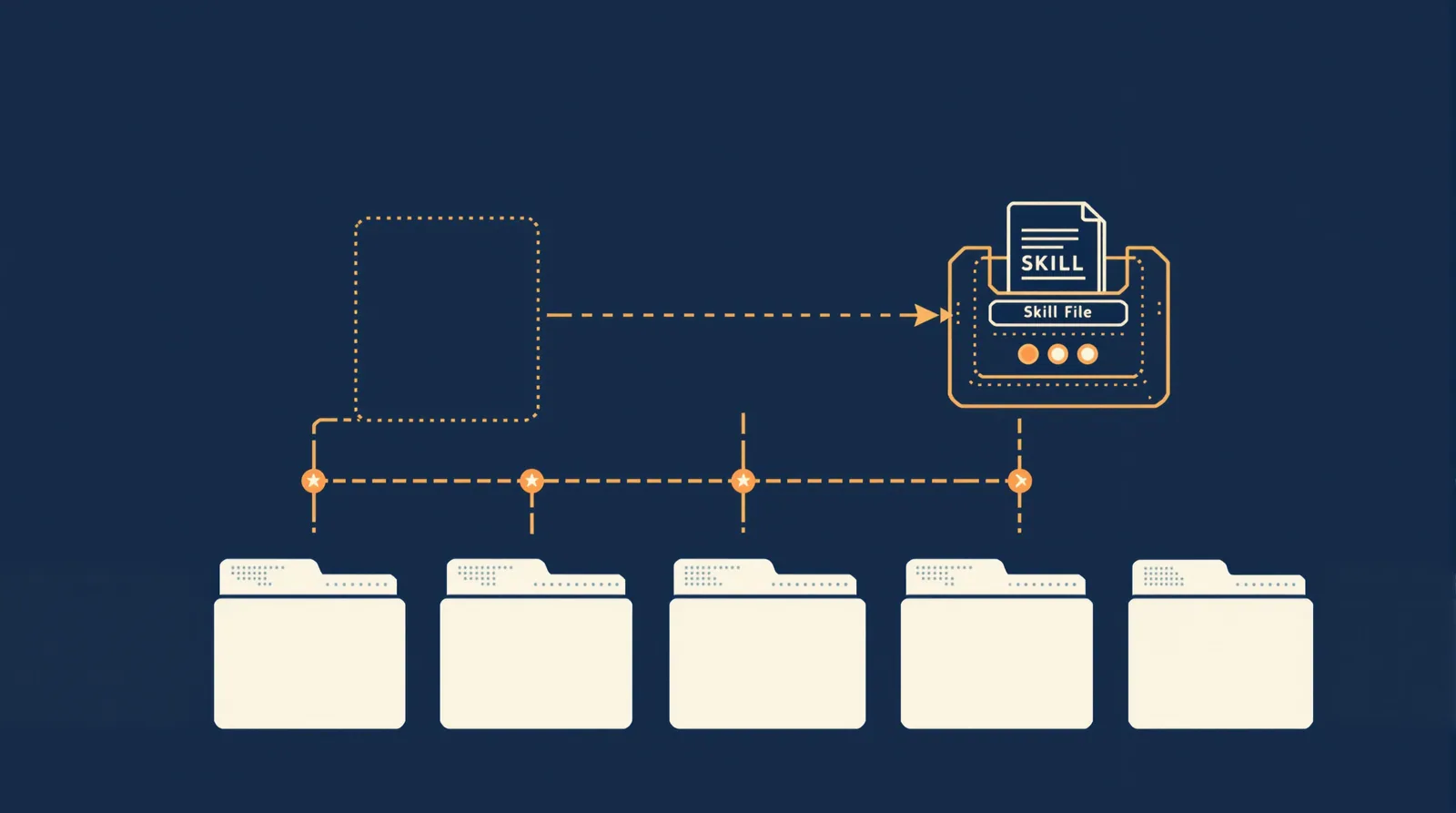
According to the official Claude Code skills docs, a skill is a folder containing a SKILL.md file with YAML frontmatter and markdown instructions. Claude loads the name and description at startup, then pulls the full body only when the skill is needed. That progressive-disclosure design keeps context lean. What you get here: one original skill for auditing internal links, written from scratch, with trigger test cases, a result rubric, and the packaging steps to make it repeatable.
A Working SKILL.md Example
Let's start with the finished artefact so you can see where we're heading. Below is a skill that audits internal links across a site. Copy it, install it, and then read the rest of the post to understand every decision.
description: >
Audits internal links in a project's HTML or Markdown output.
Use when the user asks to check broken links, find dead anchors,
audit site links, or review internal navigation before a deploy.
``
## Internal Link Audit
``
Run a link audit against the built output or source files.
``
### Steps
``
1. Collect all internal links (href or markdown link targets starting
with / or a relative path).
2. Resolve each link against the project root.
3. Check whether the resolved target file or anchor exists on disk.
4. Report broken links grouped by source file. For each broken link,
show: source file, link text, href, and the reason it fails
(missing file, missing anchor, or redirect loop if detectable).
5. List passing links only in a summary count, not individually.
6. If zero broken links are found, say so explicitly.
``
### Output format
``
- Broken links: grouped table per source file.
- Summary line: "X of Y internal links are broken."
- If scripts/ contains check-links.sh, run it first and append
Claude's analysis below the script output.
That's a real, functional skill. Save it to ~/.claude/skills/internal-link-audit/SKILL.md and it's immediately available in every project.
One thing to note: the official docs confirm custom commands have merged into skills. Both can be invoked with /name . So /internal-link-audit works as a direct command, and Claude will also match it automatically from a natural-language request. These are not two separate mechanisms.
Choose a Narrow Task and Write the Description
The description field is not documentation. It is the trigger. Every word in it either helps Claude match the skill to the right moment or adds noise that makes matching worse.
Hidekazu Konishi's guide puts it plainly: a vague description is the single most common reason a skill never fires. Write it in the third person. Lead with the primary use case. Then list the actual phrases users type, because the matching happens against those phrases, not against your internal idea of the skill.
Bad description: Helps with links and related things in web projects.
Better: Audits internal links in a project's HTML or Markdown output.
Use when the user asks to check broken links, find dead anchors,
audit site links, or review internal navigation before a deploy.
Notice the second version front-loads the action ("Audits internal links"), names the file types, and then gives four concrete trigger phrases in the Use when clause. Each phrase is something a developer would actually type.
Narrow is better
Resist the urge to build a "general link checker." A skill that does one thing well triggers reliably. A skill that promises to check links, validate redirects, and report on page speed triggers unreliably and outputs inconsistently. Pick the smallest useful slice. You can always write a second skill for the rest.
For the internal-link audit, the narrowing decisions were:
- Internal links only, not external (different tooling, different failure modes)
- Checks file existence and anchor existence, not HTTP status
- Reports broken links grouped by source file, not as a flat list
Every narrowing decision makes the trigger phrases more specific and the output format easier to validate.
Control Invocation and Supporting Files
Skills load automatically when Claude matches the description, and they also respond to explicit /skill-name commands. According to the official docs, Claude scans four locations at startup: personal (~/.claude/skills/), project (.claude/skills/), plugin, and enterprise. Enterprise overrides personal, personal overrides project. Knowing the hierarchy matters when you're shipping a skill to a team where local personalisation might conflict.
For invocation, you have two paths:
- Automatic: Claude reads your request, matches it against loaded descriptions, fires the skill. No slash command needed.
- Explicit: You type
/internal-link-audit. Claude loads the fullSKILL.mdbody and runs it. Useful for testing and for moments where the automatic match doesn't trigger.
Both paths execute the same instructions. The distinction is not "manual versus automatic", it's about which signal Claude uses to decide the skill applies.
Supporting files
A skill folder can hold more than just SKILL.md:
scripts/: Executable code (Bash, Python) that the skill body references. The internal-link-audit skill referencesscripts/check-links.shif it exists, so you can swap in a real link-checking script later without changing the instructions.references/: Detailed documentation Claude loads on demand, not on every invocation. Good for edge-case rules you don't want cluttering the main instructions.assets/: Templates and output formats.
For a first skill, SKILL.md alone is fine. Add scripts/ when you have a command you actually want to run. Add references/ when your instructions start feeling long because you're handling a dozen edge cases inline.
If you're already managing a CLAUDE.md for project-wide instructions, skills sit alongside that, they are not a replacement. The Claude.md for agencies post covers how to structure that file separately; skills handle narrow, reusable tasks that don't belong in a global instruction file.
Run Positive and Negative Trigger Tests
Writing is the easy part. Testing is where most people stop too early. Per the Towards Data Science guide on production-ready Claude Code skills, "testing" here means throwing real prompts at the skill and checking whether it behaves correctly, not unit tests in the software sense.
You need two types of test cases: positive (should trigger) and negative (should not trigger).
Positive trigger cases for internal-link-audit
These prompts should all invoke the skill automatically:
- "Check for broken internal links before I deploy."
- "Find dead anchors in my markdown output."
- "Audit the site links in the build folder."
- "Are there any broken links on the site?"
- "Review internal navigation across the project."
Negative trigger cases
These prompts should NOT trigger the skill. If they do, you have an over-triggering problem.
- "Check whether the external links in my README still work." (external links, different skill territory)
- "Validate my sitemap.xml." (different task entirely)
- "Find broken images on the page." (images, not links)
- "Check the HTTP status of my API endpoints." (HTTP, not file-system)
Result rubric
Good output from /internal-link-audit must satisfy all of the following:
| Criterion | Pass condition |
|---|---|
| Groups broken links by source file | Yes, with a table per file |
| Shows source file, link text, href, and failure reason | All four fields present for each broken link |
| Passing links appear only in the summary count | No long list of working links |
| Explicit "zero broken links" message when clean | Present when applicable |
| Script output prepended if check-links.sh exists | Script runs first, analysis appended below |
| Does not check external links | External links absent from report |
Run the positive cases first. If the skill fires on all five, move to negative cases. If it fires on any negative case, you have a description problem.
Fix Over-triggering, Missed Triggers and Weak Output
Three failure modes, three fixes. They're separate problems and each has a different solution.
Over-triggering means the skill fires when it shouldn't. Usually caused by a description that's too broad. The fix is adding exclusion language to the Use when clause:
Do NOT use for external link checks, HTTP status checks,
sitemap validation, or image audits.
Adding explicit exclusions narrows the match surface without removing the positive triggers.
Missed triggers means the skill exists but never fires automatically. The description isn't matching real user language. The fix is adding more trigger phrases that reflect how people actually ask, not how you'd formally describe the task. "Are there dead links?" is different to "audit internal navigation", both should fire the same skill.
The Towards Data Science guide describes an optimisation loop: split test cases, measure trigger rate, generate improved descriptions, pick the best score. You can do this manually with a handful of prompts, or use Anthropic's skill-creator skill to semi-automate it.
Weak output means the skill fires but the output is inconsistent or incomplete. This is a body problem, not a description problem. Look at the rubric you defined. Which criteria are failing? Add more specific formatting instructions. If the output is missing the failure-reason column, say so explicitly in the instructions. If it's listing all passing links (which you don't want), add "Do not list passing links individually."
If you're managing a stack of Claude Code automations and want the bigger picture of what skills fit into, the Claude Code superpowers post covers the surrounding workflow.
For growing teams or agencies handling multiple client projects, the dedicated Claude Code agency setup page is worth a look, it addresses how to organise skills across a multi-project environment.
Package the Skill and Maintain It
Once the skill passes all positive tests and none of the negative ones, package it properly.
Final folder structure
~/.claude/skills/internal-link-audit/
├── SKILL.md
├── scripts/
│ └── check-links.sh (optional, referenced in instructions)
└── references/
└── anchor-edge-cases.md (optional, for edge-case rules)
Sharing across projects and people
Personal skills in ~/.claude/skills/ are available across every project on your machine. For team distribution, move the skill to a shared repository and have team members symlink or copy it to their personal skills folder, or commit it to .claude/skills/ in a shared project repo for project-scoped access.
The skill format is an open standard. According to freeCodeCamp's build guide, the same SKILL.md structure works across Claude Code, GitHub Copilot, Cursor, and Gemini CLI, install paths differ but the file format does not. For Claude Code, the path is ~/.claude/skills/. For Copilot, it's ~/.copilot/skills/. Same file, different home.
Maintenance
Skills drift. The project structure changes, the output format needs updating, or the trigger phrases stop matching how the team talks about the task. Treat SKILL.md like any other doc in your repo: version it, review it when the underlying workflow changes, and re-run the trigger tests after any edit to the description.
A numbered maintenance checklist:
- Re-run all positive and negative trigger tests after any description change.
- Update the result rubric if the output format requirements change.
- If you add a script to
scripts/, reference it explicitly in theSKILL.mdbody so Claude knows to use it. - When promoting a personal skill to a team skill, review the trigger phrases, team members may use different language than you do.
- Delete skills that are no longer used. Stale skills that fire unexpectedly are worse than no skill at all.
FAQ
Where exactly does the SKILL.md file need to live?
For personal skills available across all projects, the path is ~/.claude/skills/your-skill-name/SKILL.md . The directory name becomes the slash command. For project-scoped skills (only available in one repo), use .claude/skills/your-skill-name/SKILL.md inside the project root. Enterprise skills follow a separate path managed by your organisation's Claude Code admin.
Does the skill load its full content every time Claude starts?
No. According to the official docs, Claude scans skill directories at startup but loads only the name and description into context. The full SKILL.md body loads only when the skill is matched to a request. That's the progressive-disclosure design: descriptions stay in context, full instructions load on demand.
Can I have more than one skill fire for the same request?
Skills are matched individually. If two skills have descriptions that both match the same request, the priority hierarchy applies: enterprise overrides personal overrides project. Within the same tier, you'd want to distinguish the descriptions more carefully so only the intended skill fires. Duplicate triggers are usually a sign that two skills have overlapping scope and should be merged or narrowed.
What happens if the description says "Use when" but the user types the slash command directly?
The skill runs regardless. Explicit invocation via /skill-name bypasses the automatic matching entirely and loads the full body straight away. The description field's Use when clause applies to automatic matching only. So a direct slash command always works, even if the user's phrasing wouldn't have triggered automatic detection.
How do I know when to use a skill versus adding instructions to CLAUDE.md?
CLAUDE.md is for always-on context: project structure, coding conventions, things Claude should know in every session. Skills are for on-demand tasks: things you do sometimes, not always, and want consistent output for. If you find yourself adding a multi-step workflow to CLAUDE.md, it probably belongs in a skill instead.
The description field does the work that most people think the body does. Write trigger phrases from your team's actual vocabulary, keep the task narrow, and the rest follows.