services · headless cms development
Headless CMS development: an editor your team will actually use, behind a front-end that stays fast.
Sanity, Payload, Storyblok, Contentful or Strapi, chosen against your content model rather than a preference, with previews editors trust and a Next.js or Astro front-end that ships as static HTML.
- 5
- 125,000+
- 3,100+
the work
Content models that publish at scale.
- Deluxe Astrology
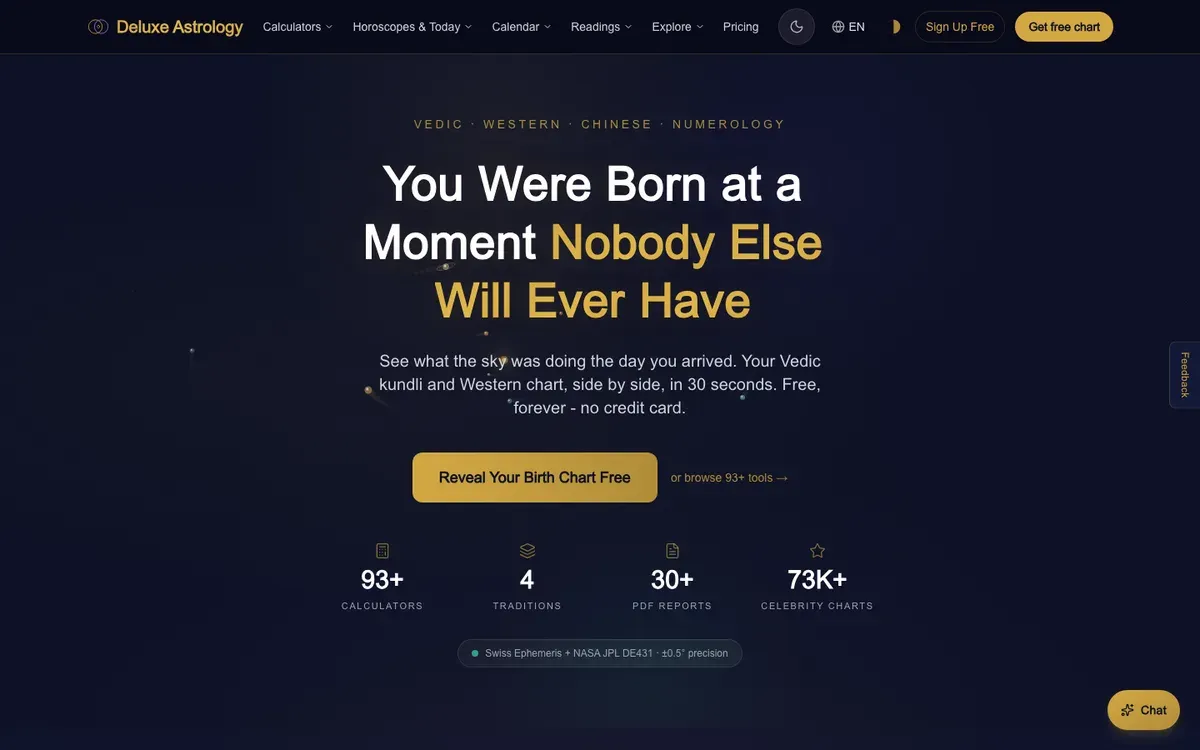 One content model, thirty languages. Structured content on Supabase feeding Next.js templates, with an out-of-band translation pipeline so editors publish once and every locale follows.
 - HostList.io
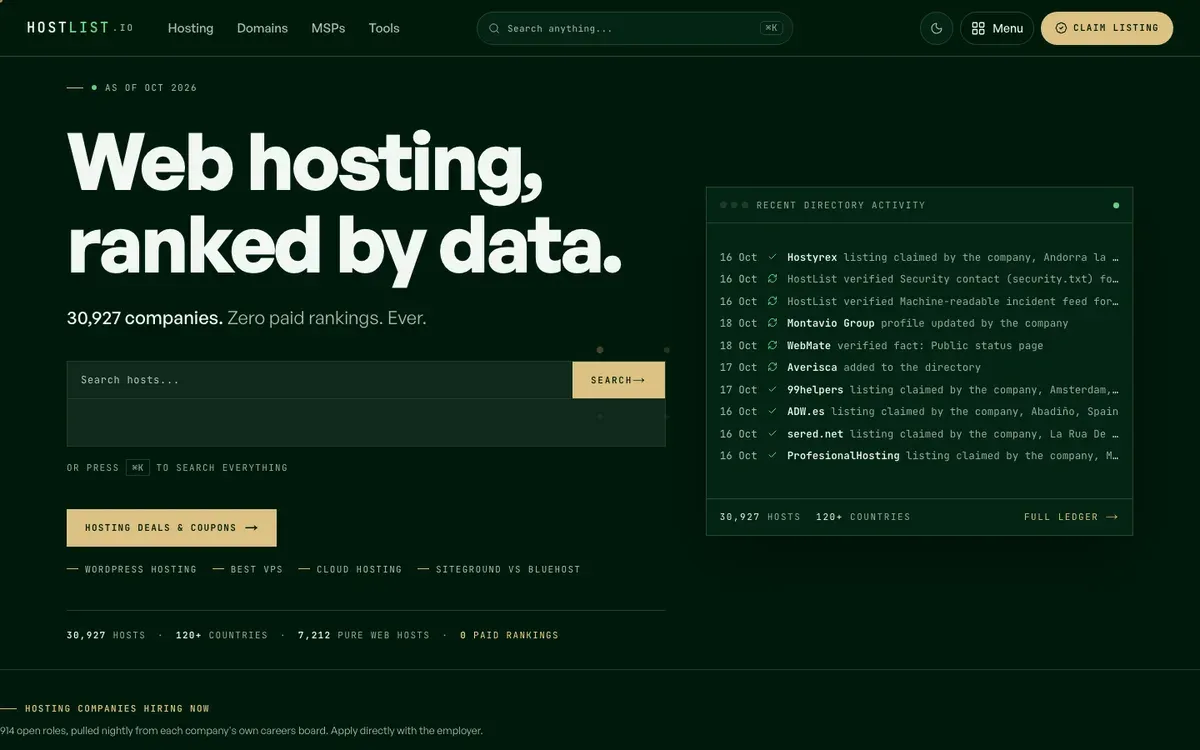 When the content is data, the model is the product. Thirty thousand company records, verified claims and editorial coverage from one schema, rendered into profiles, rankings and comparisons.
 - gautamkhorana.com
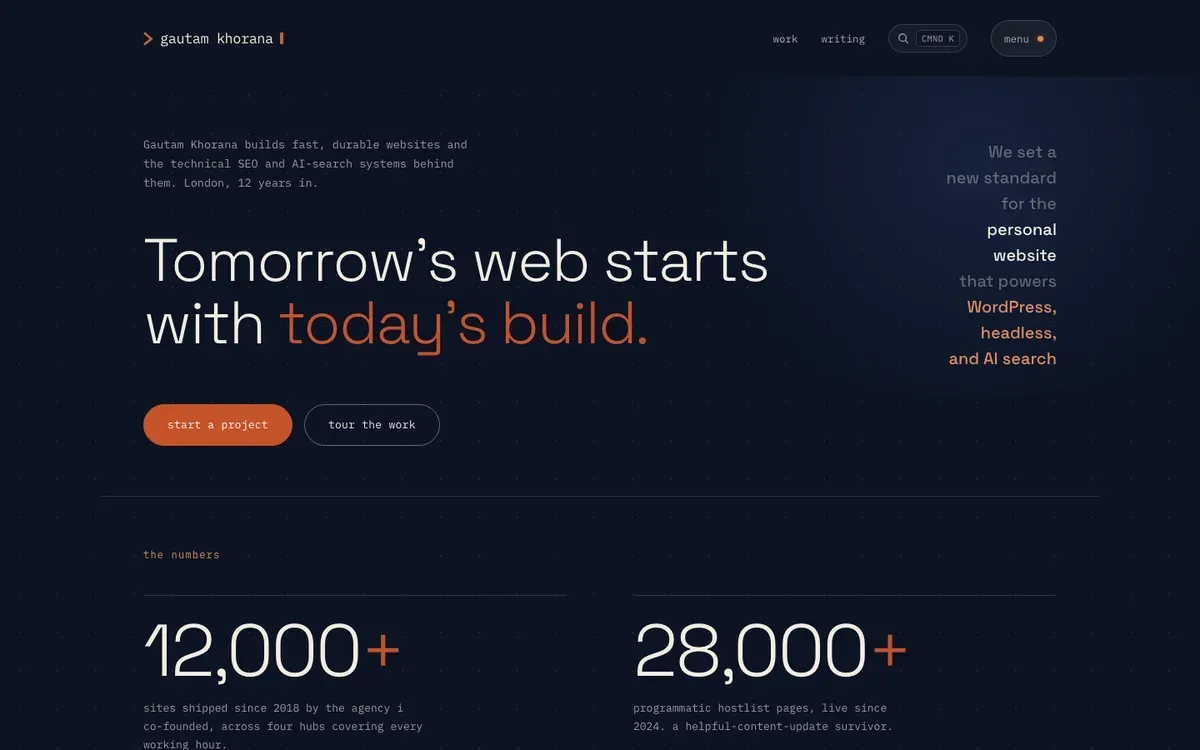 A publishing workflow with quality gates built in. Blog, pages and translations edited in a custom admin on Supabase, with research, fact-checking and SEO gates before anything goes live.
how an engagement runs
- Selection Your editors, your content types, your integrations, then a platform recommendation with the reasoning shown.
- Content model Fields, blocks, references and validation written in the editors’ language and agreed before code.
- Studio and previews The editing experience, roles, workflows and a live preview of the real front-end.
- Front-end and migration Next.js or Astro templates, existing content mapped and imported, SEO carried across.
- Handover Editor training, documentation, and the CMS and code in your accounts.
what it costs
- from $2.5k Selection and content model
- from $5k Content migration
- from $10k CMS + front-end build
How I choose between the five platforms, why the content model comes first, and what previews, workflows and migration involve.
What headless CMS development covers
Five things, usually in this order. Choosing the platform against your editors and content rather than against a feature grid. Writing the content model: the types, fields, blocks, references and validation rules that decide what editors can publish. Setting up the studio so it feels like it was built for your team, with roles, workflows and a live preview of the real site. Wiring the API to a Next.js or Astro front-end that pre-renders everything and serves it from a CDN. And, when there is an existing site, migrating its content and its rankings across.
A headless CMS development company that starts at step four has skipped the part that decides whether the tool gets adopted. The studio is the product your editors use every day; the front-end is the product your visitors use. Both have to be designed.
Sanity, Payload, Storyblok, Contentful or Strapi
Sanity when content is structured and reused, the team wants real-time collaboration, and you want a studio you can shape in code. Payload when the CMS should live in your own repository and database, on your own infrastructure, with TypeScript end to end. Storyblok when marketers compose pages visually from a component library and want to see the page as they build it. Contentful when procurement needs an enterprise vendor, SLAs and a long compliance list. Strapi when the team is already on Node and wants an open-source admin they can extend.
When the content is data-shaped, a catalogue, a directory, a register, the honest answer is often Supabase with a custom admin rather than a CMS at all. That is how HostList.io and this site run. The headless CMS hub compares the platforms by editorial protagonist, and the headless CMS directory lists the rest.
Content modelling is the real work
Most failed headless projects fail here. Fields named after database columns instead of the things editors write. One giant rich-text field that swallows the structure the front-end needs. No validation, so the first broken page ships on launch day. References modelled as copies, so the same author bio exists forty times. The model is written first, in the editors’ language, and walked through with the people who will use it before a single template exists. It is also where SEO lives: titles and descriptions as required fields with length validation, canonical and hreflang relationships as references, structured data generated from fields rather than typed by hand.
Previews, workflows and roles
Editors need to see the page before it is live, in the real design, on the real URL structure. Every build ships with draft previews against the production front-end, a publish workflow that matches how the team signs off, and roles that let a contributor write without being able to delete the homepage. Scheduled publishing, localisation and content reuse are configured where the brief calls for them, and a build-time SEO linter reads every rendered page before it reaches Google.
Migrating from a legacy CMS
Existing content is exported, mapped field by field onto the new model, cleaned, and imported with its URLs, metadata and media preserved. The redirect map comes from Search Console and Ahrefs traffic, not from a sitemap export. Titles, descriptions, canonicals and schema are carried across byte for byte and diffed before cutover, so the move does not cost rankings. Drupal, Joomla, TYPO3 and other PHP estates have their own page under legacy CMS migration; the front-end side of a new build is covered under Jamstack development services.
What it costs
Three bands. Selection and a written content model: from $2.5k over two weeks, credited against the build if you continue. Migrating an existing site’s content into a headless CMS with its SEO intact: from $5k. A full build, CMS plus a Next.js or Astro front-end with previews and the SEO pipeline: from $10k over six to eight weeks. The CMS vendor’s own plan is the only recurring cost and is sized to your actual editors and entries. Starting prices are fixed after a 30-minute discovery call and a written scope.
What the first 48 hours look like
Book a 30-minute call. Tell me who edits the site, what they publish, what frustrates them now and where the content has to go next. By the end you will have a platform recommendation with the reasoning shown, a realistic timeline and a price range whether you sign or not. If the right answer is to keep what you have, I will say so.
Frequently asked questions
What is a headless CMS?
A content management system that stores and edits content but does not render the public site. Editors work in a studio with drafts, previews, roles and scheduling; the content is delivered over an API to a front-end built in Next.js, Astro or Nuxt, which pre-renders it and serves it from a CDN. The editor and the website are decoupled, so each can be the best version of itself.
Which headless CMS is best?
The one your editors will still be using in a year. Sanity when content is structured and the team wants real-time collaboration and a customisable studio. Payload when you want the CMS in your own repository and database on your own infrastructure. Storyblok when marketers need a visual editor and a component library. Contentful when procurement needs an enterprise vendor with SLAs. Strapi when the team is already on Node and wants an open-source admin. I have shipped on all five and pick against your content model, not a preference.
What does headless CMS development cost?
CMS selection and a written content model start from $2.5k over two weeks and are credited against the build. Migrating existing content into a headless CMS starts from $5k. A full build, CMS plus a Next.js or Astro front-end with previews, starts from $10k. Starting prices are fixed after a 30-minute discovery call and a written scope, and you own everything at launch.
How long does a headless CMS project take?
Two weeks for selection and content modelling. Six to eight weeks for a marketing site with CMS and front-end built together. Eight to fourteen weeks for a content platform with many content types, integrations or languages. The schedule is driven by content types and editorial workflow, not by page count, because pages are generated from templates.
Can non-technical editors use a headless CMS?
Yes, when the content model is designed for them rather than for the database. Fields are named in the editors’ language, blocks match the sections they actually write, validation stops broken pages before they publish, and a live preview shows the real front-end. The studio setup is where most of the engineering effort goes, and it is the part that decides whether the team adopts the tool.
Do we lose the visual, drag-and-drop editing?
Not if you need it. Storyblok and Sanity both offer visual editing against the live front-end; Payload and Contentful have live preview. What changes is that layout decisions move into components the design system defines, so editors compose pages from tested blocks rather than from free-form page builders. Pages stay consistent and fast, and the editor still sees what visitors will see.
Is a headless CMS overkill for a small site?
Sometimes. A ten-page site that changes twice a year is better served by content in the repository, and I will say so. A headless CMS earns its place when several people edit, when content is reused across pages or channels, when there are translations, or when the site will grow into hundreds of pages. The selection stage exists to answer exactly this question before anyone pays for a build.
Can you migrate our content from an older CMS?
Yes. Content is exported from the legacy system, mapped field by field onto the new model, cleaned, and imported with its URLs, metadata and media preserved. The redirect map and SEO transport are part of the same job, so rankings carry across. Drupal, Joomla, TYPO3 and other PHP estates are covered on the legacy CMS migration page.
Do you build the front-end as well, or only the CMS?
Both, or either. Most engagements pair the CMS with a Next.js or Astro front-end so previews, routing and SEO are designed together. If you already have a front-end team, I can deliver the content model, studio and API contract and work alongside them. The Jamstack development page covers the front-end side on its own.
Who owns the CMS and the code?
You do. The CMS project sits in your account, the repository is transferred to your GitHub organisation at launch, and hosting and DNS stay in your accounts from day one. There are no licence fees on anything I build; the only recurring cost is the CMS vendor’s own plan, which I size to the actual number of editors and entries.
Related reading
Start with the editors, not the vendor.
Thirty minutes on who edits the site, what they publish and where it has to go next. You leave with a CMS recommendation, the reasoning behind it and a price range whether you sign or not.