services · web performance
Web performance optimization that passes Core Web Vitals in the field, not just in Lighthouse.
LCP, INP and CLS fixed on Chrome UX Report data at the 75th percentile, on the stack you already run. Fixes land as pull requests and a budget stays in the build so the next regression cannot ship.
- < 1.5s
- 125,000+
- 3,100+
the work
Speed that holds at scale.
- Sub-1.5s LCP on a large site
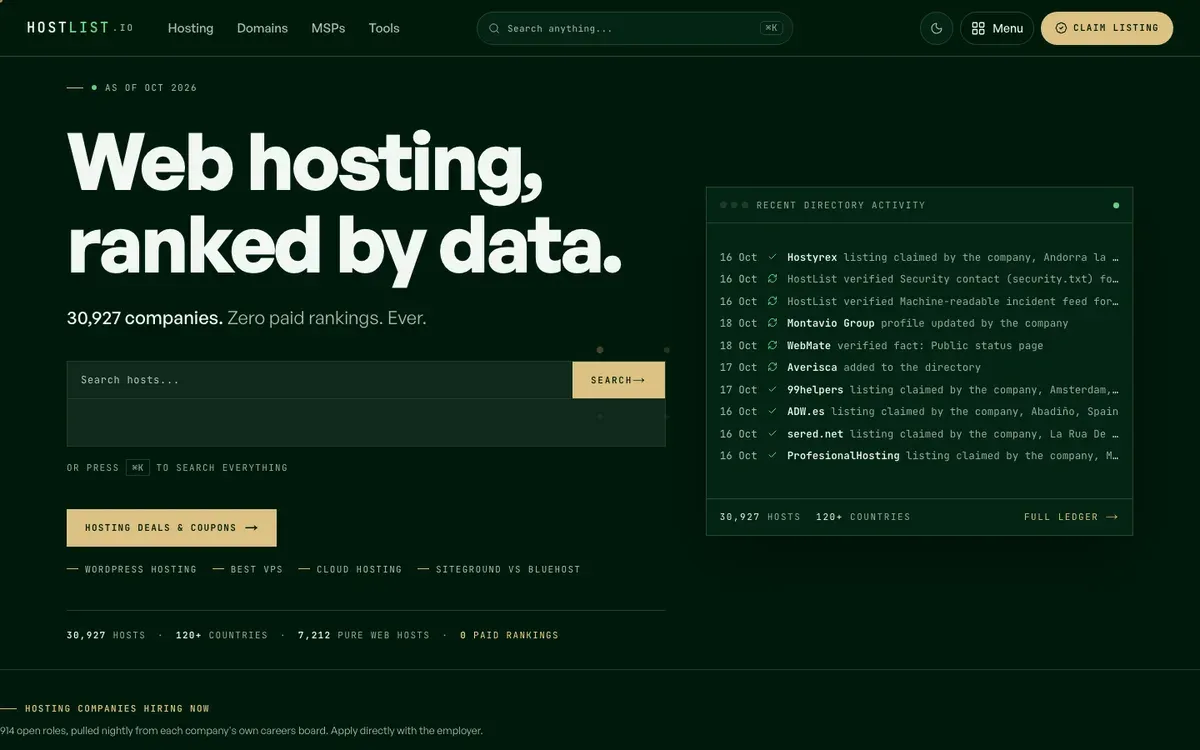 How thirty thousand pages got under 1.5 seconds. The plumbing behind it: image pipeline, font strategy, streaming, edge caching and the budget that keeps it there. Real numbers, no hand-waving.
 - Deluxe Astrology
 Pre-rendered in thirty languages. Interactive tools as islands on otherwise static pages, so a chart calculator does not drag the field data of a hundred thousand content pages.
 - gautamkhorana.com
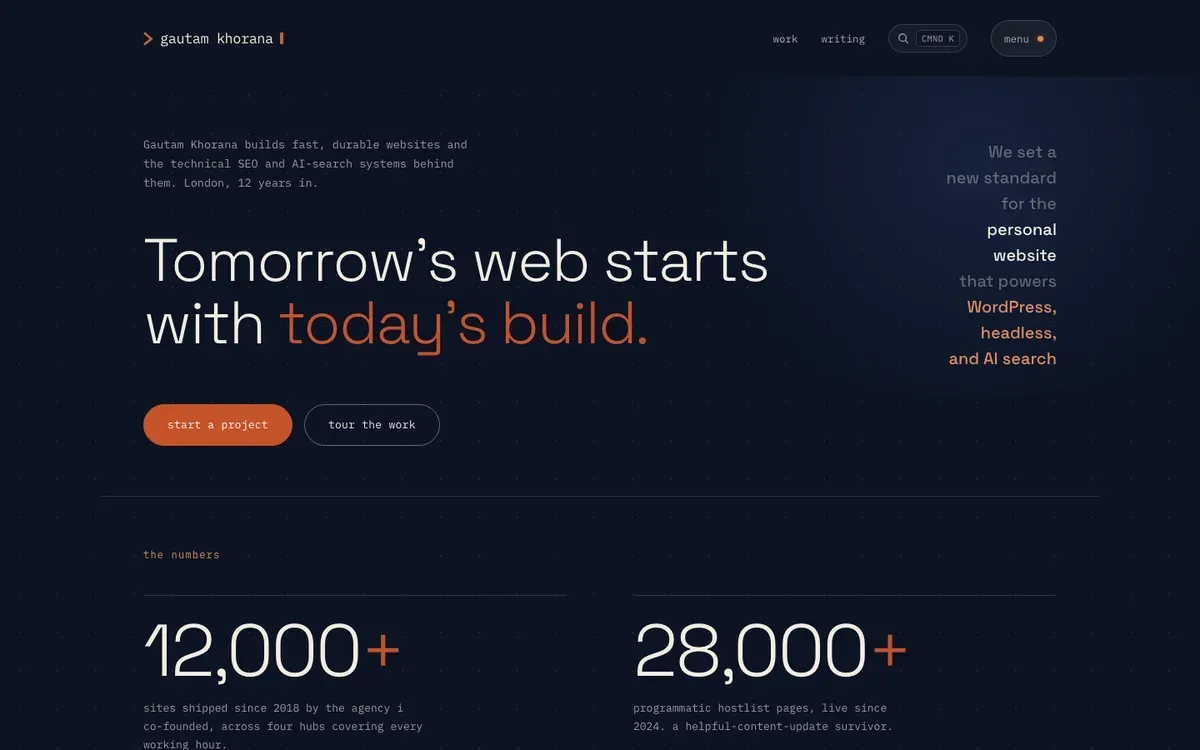 Measured in your browser, not quoted. The services page prints what it cost your browser to load: bytes, requests, images, third parties and time to content. Every build is held to that budget.
how an engagement runs
- Field data first Chrome UX Report and Search Console by page group, so the audit starts from what real visitors see.
- Trace the time Lab traces on the failing templates: images, fonts, scripts, server response, third parties.
- A fix list with prices Ranked by impact per hour of work, so your team ships the right things first.
- Fixes merged Changes land as pull requests in your codebase, reviewed against the trace.
- Budget and measure A performance budget in the build, then four weeks of field data to confirm the pass.
what it costs
- from $2.5k Core Web Vitals audit
- from $6k Audit + fixes shipped
- from $10k Front-end rebuild for speed
What is measured and where, where the time usually goes, when the existing stack can be fixed and when it cannot, and the budget that keeps a pass.
What gets measured, and where
Everything starts from field data: the Chrome UX Report numbers Google actually ranks on, at the 75th percentile of real visits, grouped by template rather than by URL. Lighthouse and WebPageTest come second, as diagnostic tools that show where the time goes on a failing template. Treating a lab score as the goal is how sites end up with a green screenshot and a red Search Console report.
Three metrics decide the pass. Largest Contentful Paint under 2.5 seconds, Interaction to Next Paint under 200 milliseconds, Cumulative Layout Shift under 0.1. Time to First Byte sits underneath LCP and is where server, hosting and caching problems show up first.
Where the time usually goes
Images: an unsized hero shipped at full resolution in the wrong format is the single most common LCP failure, and the cheapest to fix. Fonts: a render-blocking web font with no fallback metrics costs both LCP and CLS. Scripts: analytics, tag managers, chat widgets and consent banners on the main thread are where most INP failures live. Server response: a page assembled on every request, or cached badly, pushes everything later. Third parties: embeds, ads and A/B tools that load on their own schedule and shift the layout when they arrive.
The audit traces each on your failing templates and prices the fix, so the list is ordered by impact per hour rather than by what is most interesting to engineers.
Fix the stack you have first
Most sites do not need a rebuild to pass. Images go through a pipeline that sizes and re-encodes them. Fonts get subset, preloaded and given fallback metrics. Scripts get deferred, moved off the main thread or removed when nobody can say what they are for. Server response gets caching headers and, where the host allows, edge delivery. The work lands as pull requests in your codebase, on Next.js, Astro, Nuxt, static sites, Shopify themes or legacy PHP templates, so your team can review every change.
The honest exception is a front-end carrying a large hydration bundle and a dozen third-party scripts. INP failures there are structural, and the audit will say so when replacing the front-end is cheaper than patching it. That path is covered under Jamstack development services, and migrations from PHP estates under legacy CMS migration.
The budget that keeps it fixed
A pass is temporary unless something stops the next regression. Every engagement leaves a performance budget in the build: size limits on scripts and styles, checks on image dimensions and formats, and a Lighthouse CI run on preview deploys that fails when a threshold is crossed. Paired with the build-time SEO linter from the technical SEO work, it means the mistake that cost you a ranking cannot ship twice. The HostList write-up shows the full pipeline on a thirty-thousand-page site.
What it costs
Three bands. A Core Web Vitals audit, field data, traces and a prioritised fix list with prices: from $2.5k over two weeks. Audit plus the fixes shipped into your codebase, with the budget installed: from $6k depending on stack and template count. A front-end rebuild for speed, when the audit shows that is the cheaper path: from $10k, quoted from a written scope. Starting prices are fixed after a 30-minute discovery call. Field data takes about four weeks to confirm a pass after the last fix lands, and that month of measurement is part of the engagement.
What the first 48 hours look like
Book a 30-minute call. Tell me your domain, your stack and which pages Search Console is flagging. By the end you will know whether the problem is images, scripts, server time or the stack itself, roughly what each would cost to fix, and whether an audit is worth paying for. If the fix is a one-line change, I will tell you the line.
Frequently asked questions
What does a website speed optimization service actually do?
It finds where the time goes between a visitor’s tap and a usable page, then removes it. Measured on Chrome UX Report field data rather than a lab score: Largest Contentful Paint, Interaction to Next Paint and Cumulative Layout Shift at the 75th percentile of real visits. The work is usually images, fonts, scripts, server response and third-party tags, shipped as pull requests into your codebase, with a budget in the build so the gains stay.
What are Core Web Vitals?
Three numbers Google collects from real Chrome visits. LCP measures how long the biggest visible element takes to appear; good is under 2.5 seconds. INP measures how long the page takes to respond to a tap or key press; good is under 200 milliseconds. CLS measures how much the layout jumps while loading; good is under 0.1. A page passes when the 75th percentile of visits is good on all three.
Does page speed affect rankings?
Yes, as a confirmed ranking signal, and more through what speed does to everything else: crawl budget, bounce rate, conversion and whether AI assistants can fetch and cite the page quickly. The sites I run that pass Core Web Vitals on field data are the ones whose rankings held through the core updates. Speed rarely wins a ranking on its own; failing it quietly loses several.
Can Core Web Vitals be fixed without a rebuild?
Often, yes. Most LCP failures come from an unsized hero image, a render-blocking font or script, or slow server response; most CLS from late-loading embeds, ads and web fonts. Those are days of work on the existing stack. The honest exception is INP on a page weighed down by third-party scripts and a heavy front-end bundle, where the cheapest fix is sometimes a new front-end. The audit tells you which you have before you spend anything.
What does web performance optimization cost?
A Core Web Vitals audit with a prioritised fix list starts from $2.5k over two weeks. Audit plus the fixes shipped into your codebase starts from $6k. A front-end rebuild for speed, when the audit shows that is cheaper than patching, starts from $10k. Starting prices are fixed after a 30-minute discovery call and a written scope.
How long does it take to see results?
Lab numbers move the day a fix ships. Field data lags because the Chrome UX Report is a 28-day rolling window, so a page that was failing passes in Search Console roughly four weeks after the last fix lands. Plan on two weeks of audit, two to four weeks of fixes depending on the list, and a month of measurement after.
Which stacks do you work on?
Next.js, Astro and Nuxt front-ends, static sites, Shopify themes and legacy PHP templates where the front-end can be changed. Server-side problems are addressed on Vercel, Netlify, Cloudflare and conventional hosts alike. If the only fix for your stack is replacing it, I will say so and point to the Jamstack development page rather than sell you a patch.
What is INP and why did my site start failing it?
Interaction to Next Paint replaced First Input Delay in 2024 and measures every interaction, not just the first. Sites that passed FID now fail INP when the main thread is busy: analytics and tag-manager scripts, chat widgets, consent banners, large hydration bundles and event handlers that do too much. The fix is reducing and deferring that work, and it is where most third-party cleanup pays off.
How do you measure success?
Against field data, not screenshots. Chrome UX Report and the Core Web Vitals report in Search Console at the 75th percentile, per page group, before and after. Lab runs in Lighthouse and WebPageTest are used to diagnose, not to declare victory. The engagement report shows the before and after numbers and the budget that now guards them.
Will it stay fixed?
Only if something stops the next regression. Every engagement leaves a performance budget in the build pipeline: a size limit on scripts and styles, a check on image dimensions and formats, and a Lighthouse CI run on preview deploys that fails when a threshold is crossed. Paired with a build-time SEO linter, it means the mistake that cost you a ranking cannot ship twice.
Related reading
Fix what slows your site down.
Thirty minutes on the pages that matter and what Search Console says about them. You leave knowing whether the problem is images, scripts, server time or the stack itself, and what each would cost to fix.