

On February 24 2026, Anthropic announced private plugin marketplaces for Claude Code, giving admins a way to build, host and gate plugins without touching Anthropic's public registries. What you get from this post: the exact steps to bundle a skill and hook into a distributable plugin, host it in a private GitHub repo, pin versions, and diagnose the most common breakages when a second machine refuses to install cleanly.
When a team needs a plugin
The public marketplace is fine for individual tinkering. Once you have more than one person relying on the same slash command or the same hook script, ad-hoc distribution collapses fast. Someone copies a file manually, uses a slightly different path, and Claude Code quietly ignores the hook because the name doesn't match what the registry expects.
That's the real trigger for a private marketplace: consistency across machines, not headcount. If you've got two developers and both need the same deployment hook, a private marketplace is worth the hour of setup. If you've got twenty, it's not optional.
The other trigger is confidentiality. Anthropic's plugin creation docs are explicit: to keep a plugin internal to your team, you host the marketplace in a private repository. Submitting to claude-community publishes your plugin for anyone to see and install. A private repo avoids that entirely. If your plugin contains internal API patterns, proprietary slash commands, or anything you'd rather not index, the private route is the correct one.
Worth noting: if your team is already running MCP servers in production, check how private plugin distribution fits alongside that stack before you commit to a structure, since the two approaches have overlapping but distinct use cases.
Bundle an existing skill and hook
A plugin is a folder. That's the honest summary of it. Per the official plugin docs, the minimum viable structure looks like this:
my-plugin/
plugin.json
README.md
skills/
my-skill.md
hooks/
hooks.json
guard.sh
The plugin.json is the manifest. It names the plugin, declares a version, and points to the skills and hooks subdirectories. A trimmed illustrative example:
{
"name": "deployment-tools",
"version": "1.2.0",
"description": "Deployment workflow helpers for the platform team",
"skills": ["skills/"],
"hooks": "hooks/hooks.json"
}
Skills are markdown files that define what Claude knows how to do, and slash commands live inside them. Hooks are JSON declarations that wire shell scripts to trigger points (before a tool call, after a session, and so on). You can bundle any combination of the two into a single plugin folder. The skills documentation notes that custom commands are now part of the skills model, so don't try to maintain them as a separate parallel system.
One thing that catches people out: hook scripts must be executable. Run chmod +x hooks/guard.sh before committing. Claude Code checks the permission bit and will silently skip a hook if it isn't set.
Create and distribute a private marketplace
A marketplace is a GitHub repository with a specific folder structure. Each plugin lives in its own subdirectory. At the repo root you need a registry.json that catalogues what's available. The plugin marketplace docs describe this structure in detail, and the community demo at mrlm-xyz/demo-claude-marketplace shows two working example plugins with agents, commands and skills if you want a concrete reference before building from scratch.
Once the repo exists, tell Claude Code about it in .claude/settings.json at the repository root:
{
"extraKnownMarketplaces": {
"company-tools": {
"source": {
"source": "github",
"repo": "your-org/claude-plugins"
}
}
},
"enabledPlugins": {
"deployment-tools@company-tools": true,
"code-formatter@company-tools": true
}
}
Commit that file. Now every team member who trusts the project folder gets the marketplace added automatically, with no separate prompt and no manual CLI step. The enabledPlugins block means those two plugins are active by default. Anyone who doesn't want them can disable locally; the defaults just remove friction for everyone else.
If you're on a Team or Enterprise plan and distributing through Organisation settings, the marketplace repository must be private or internal. The Claude GitHub App reads it, so you'll need to grant it access explicitly. A public repo fails silently in that path, which is one of the more confusing error modes.
For teams managing client-facing Claude Code work at scale, my Claude Code agency services handle the marketplace setup and ongoing plugin governance if you'd rather not own that infrastructure yourself.
Control versions and review updates
This is where most private marketplaces go wrong. People pin a version in plugin.json, push a breaking change under the same tag, and wonder why the rollback didn't work. Git tags are the right unit of version truth here, not just the version string in the manifest.
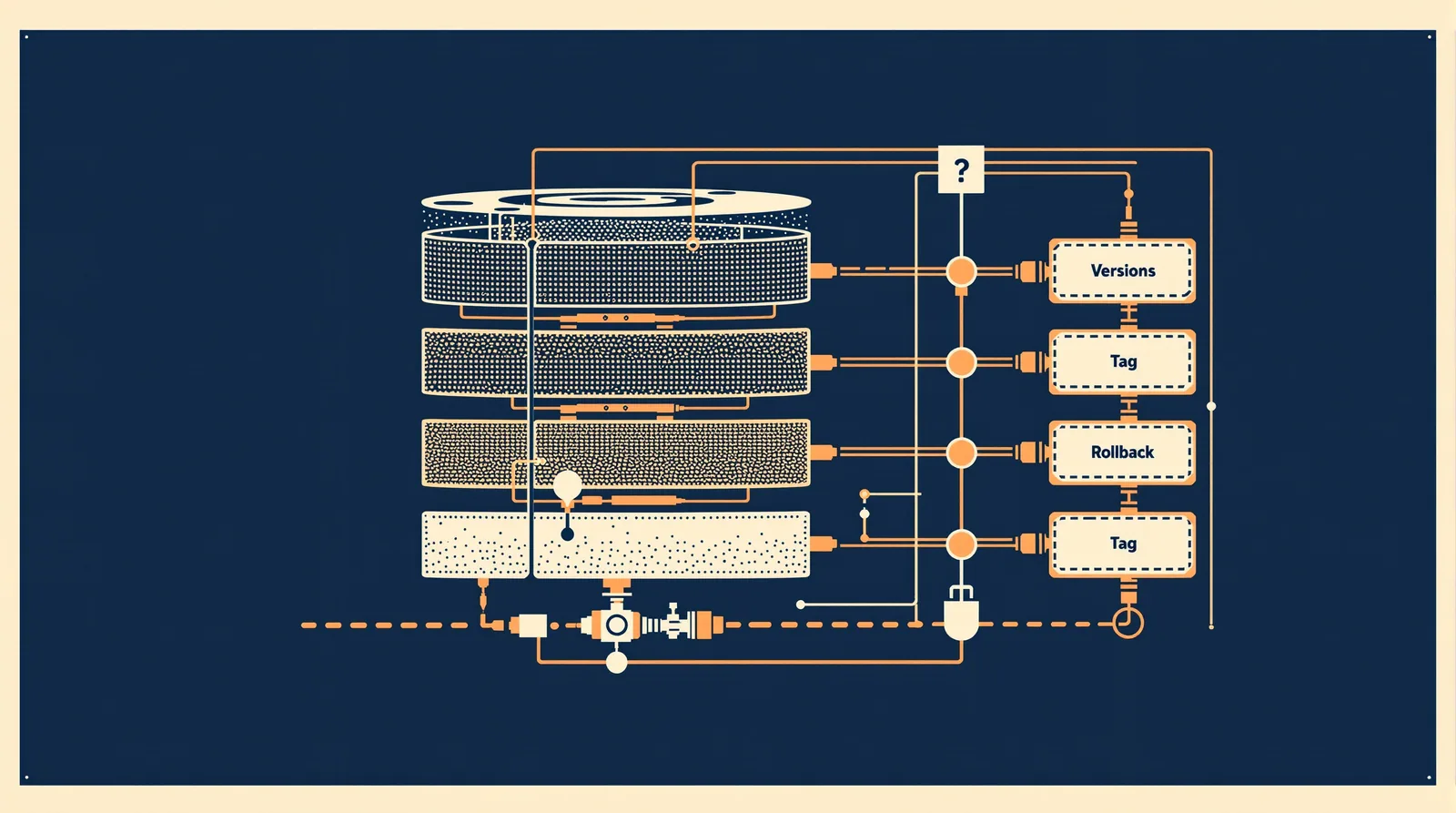
The workflow that actually holds up:
- Bump the
versionfield inplugin.json(follow semver:1.2.0to1.3.0for backwards-compatible additions,2.0.0for breaking changes). - Commit and push.
- Create a git tag:
git tag v1.3.0 && git push origin v1.3.0. - Update
registry.jsonto point the plugin entry at the new tag.
To install a specific version on a machine:
/plugin install deployment-tools@company-tools --version 1.3.0
To rollback to the previous tag:
/plugin install deployment-tools@company-tools --version 1.2.0
The --version flag resolves against git tags in the source repo. If you haven't tagged, Claude Code falls back to the HEAD of the default branch, which means "rollback" is meaningless. Tag every release. It takes ten seconds and saves real pain.
For update review, treat the marketplace repo like any other production codebase: require a pull request, at minimum one approval, and a changelog entry in README.md before merging to main. Anthropic's own docs note that plugins are highly trusted components that can execute arbitrary code, so a one-person-can-merge policy on a plugin repo is a bad idea regardless of team size.
Test installation on a second machine
Before you tell the wider team to pull the new plugin, install it on a completely fresh profile. Not a different terminal window. A fresh profile with no embedded secrets, no existing plugin state, and no pre-configured marketplace entries beyond what's in the repo's settings.json.
Numbered checklist for a clean second-machine test:
- Clone the project repository.
- Open Claude Code and trust the folder when prompted.
- Confirm the marketplace appears with
/plugin marketplace list. - Install the plugin explicitly:
/plugin install deployment-tools@company-tools. - Run the slash command the plugin exposes and verify it returns the expected output.
- Check the hook fires by triggering the relevant tool call and inspecting the output.
- Verify no credentials or local paths from your dev machine appear in the response.
That last check matters. Hook scripts that reference absolute paths (/Users/yourname/scripts/...) break on every other machine. Use paths relative to the plugin directory or environment variables that teams can set consistently.
Troubleshoot names, paths and dependencies
Most installation failures are one of three things.
Name mismatches. The plugin name in plugin.json must exactly match the directory name in the marketplace repo and the name used in registry.json . Case-sensitive. If plugin.json says deployment-tools and the registry entry says Deployment-Tools, the install command returns a not-found error that looks unrelated to capitalisation.
Path issues in hooks. As mentioned above, absolute paths are the single biggest source of "works on my machine" bugs. Audit every hook script for hardcoded paths before you tag a release. A quick grep -r "/Users" hooks/ catches the most common one.
Dependency gaps. If your hook script calls an external binary (jq , gh , docker , a custom internal CLI), document that dependency in README.md with the minimum version. Claude Code does not resolve external binary dependencies for you. A hook that silently exits because jq isn't installed is difficult to diagnose, especially for a team member who doesn't know the hook exists.
A few other things worth checking if installation stalls:
- The GitHub App needs read access to the private marketplace repo. Check Organisation settings if the fetch hangs.
- If
extraKnownMarketplacesis insettings.jsonbut the marketplace doesn't appear after trusting the folder, confirm the file is committed and that the trust prompt was accepted, not dismissed. - Plugin names in
enabledPluginsmust use thename@marketplaceformat exactly.deployment-toolsalone won't resolve without the marketplace qualifier.
The dev.to series by Nagell covers auto-versioning and release CI in more depth if you want to wire GitHub Actions into the tagging workflow. Worth reading before you build the CI step manually.
For broader context on how Claude Code fits into a real development workflow beyond plugins alone, this overview of Claude Code superpowers is a useful companion.
FAQ
Can I host the marketplace somewhere other than GitHub?
The source field in settings.json supports github and local as source types per the current plugin marketplace docs. A local path works for a single machine or a mounted network share, but it won't auto-update the way a git-backed source does. For team distribution with version tracking, a private GitHub repo is the practical choice right now.
Do team members need their own GitHub access to the private marketplace repo?
Not directly. If you're distributing through Organisation settings on a Team or Enterprise plan, the Claude GitHub App reads the repo on their behalf. If you're using extraKnownMarketplaces in settings.json without the org sync path, each user needs read access to the repo through their own GitHub credentials or a deploy key.
What's the difference between `enabledPlugins` and actually installing a plugin?
enabledPlugins in settings.json activates plugins automatically when the project folder is trusted. It's a default, not a forced install. A user can still disable a plugin locally. Installing manually via /plugin install adds the plugin regardless of what settings.json says. The two mechanisms work together: defaults for convenience, manual install for anything outside the project context.
Can I have multiple private marketplaces in one organisation?
Yes. The extraKnownMarketplaces object accepts multiple keys. Each key is a local marketplace alias, and each points to a separate source repo. You could have company-tools , data-team-plugins and security-tools all registered in the same settings.json . Just make sure the aliases are unique and don't collide with claude-plugins-official or claude-community.
How does this interact with Anthropic's official marketplace?
They coexist. Claude Code registers claude-plugins-official automatically on first interactive launch. Your private marketplace adds alongside it. Plugins from your private marketplace are referenced as plugin-name@your-alias ; official plugins are plugin-name@claude-plugins-official. No conflict, as long as your plugin names don't duplicate official ones and cause resolution ambiguity.
The single sharpest caveat from all of this: git tags are the only reliable rollback mechanism. A version string in plugin.json without a matching tag is decoration, not a recovery option.