

The best vibe coding tools in 2026 fall into four broad kinds: prompt-to-app builders such as Lovable, Bolt and v0, AI code editors such as Cursor, extensions for the editor you already use, and coding agents such as Claude Code. I picked 23. Then I priced each one from its own pricing page. For seven of the app builders I went further: I drew 280 apps that people have actually published with them checked every one for SEO, then speed-tested 140 of them. And the weak spot is plain. Only 34% of the live apps put their page text in the HTML before any JavaScript runs, which matters for anything that needs to be read by crawlers.
| If you want | Pick | Why |
|---|---|---|
| A full app without writing code | Lovable | Database, sign-in and hosting included; 38 of 40 sampled apps still live |
| A site that has to rank | v0 | 89% of its live apps had their text in the HTML |
| Internal tools and business apps | Base44 | 76% of its live apps had a canonical tag and a sitemap.xml |
| A Figma design turned into an app | Figma Make | Builds inside Figma; check the robots tag before you publish |
| Everything on your own machine | Dyad | Open source desktop app with your own API key |
| An AI code editor | Cursor | Agents across desktop, CLI, Slack and GitHub reviews |
| Spec-first work on a big codebase | Kiro | Turns prompts into executable specs before code |
| An agent inside VS Code or JetBrains | Cline | Open source, any model, pay only for inference |
| An agent on an existing codebase | Claude Code | Plans, writes, tests and opens pull requests |
| Free and open source | OpenCode | MIT licence, free models included |
How I picked and tested the 23
Most lists of vibe coding tools stop at the editor screen: someone builds a to-do app, likes the feeling, and writes it up. That is too narrow. I wanted to see what these tools leave behind on the open web, so the testing has two halves rather than just another prompt-and-preview exercise.
- The list: the tools that keep coming up when people compare vibe coding tools, plus the agents I use every day. Three well-known names are missing on purpose. On June 18, 2026 Google stopped serving individual Gemini Code Assist requests and moved Gemini CLI's individual access to Antigravity CLI, so Antigravity is in instead. The Roo Code extension has been shut down and its repository archived.
- Prices and facts: taken only from each vendor's own pricing and documentation pages on 31 Oct 2026, in US dollars as the vendor lists them. Where a page does not state something, the entry says so.
- The live apps: 7 builders publish apps on a domain of their own (lovable.app, bolt.host, replit.app, base44.app, figma.site, emergent.host, and vercel.app addresses starting "v0-" for v0). I took every app address on those domains from Common Crawl's October 2026 crawl and drew 40 at random from each, 280 in all.
- The checks: each app was opened in a browser (Chromium) on 31 Oct 2026. I recorded whether it still loads, what a crawler gets before any JavaScript runs, the basic SEO tags, robots.txt and sitemap.xml, then ran a mobile Lighthouse test on the first 20 live apps in each builder's draw.
- What it cannot see: apps on their owner's own domain only show up when the builder's address redirects there. Common Crawl only finds apps that someone linked to. Rocket, Google AI Studio and Dyad are not measured because their apps do not share one address to sample from. No individual app is named here; the figures are totals per builder.
What 280 vibe-coded apps look like to Google
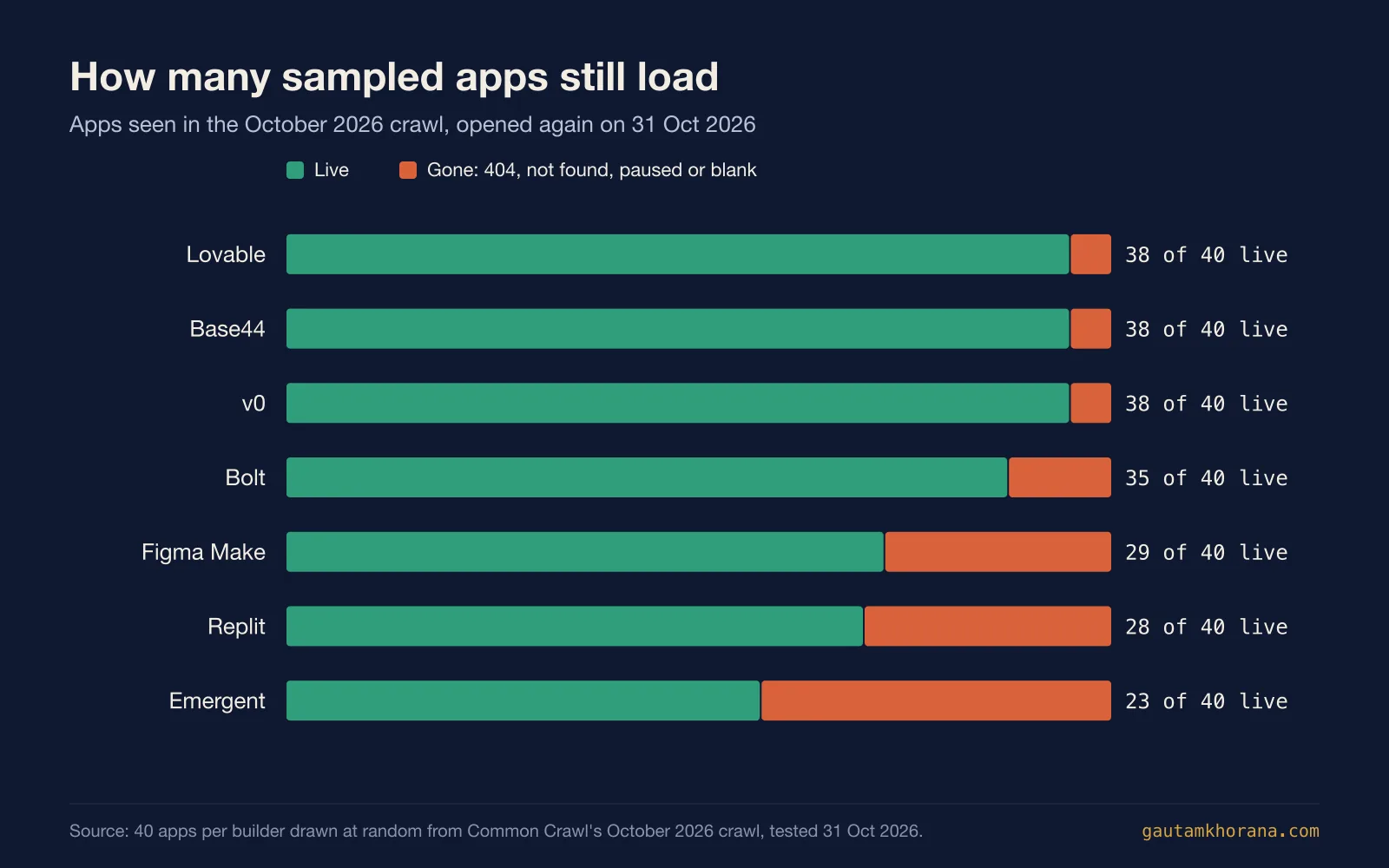
Start with the simplest test. Every app in the sample was live enough to be crawled in October, and by 31 Oct 2026 51 of the 280 no longer loaded: 229 were still up, 82%. The spread between builders is wide, from 38 of 40 for Lovable, Base44 and v0 down to 23 of 40 for Emergent, where 15 addresses now answer "Application not found". That matters. A vibe-coded app is as easy to switch off as it was to publish (convenient during experiments, dangerous once people depend on it). So if the app matters, give it your own domain and keep the code in your own GitHub account.
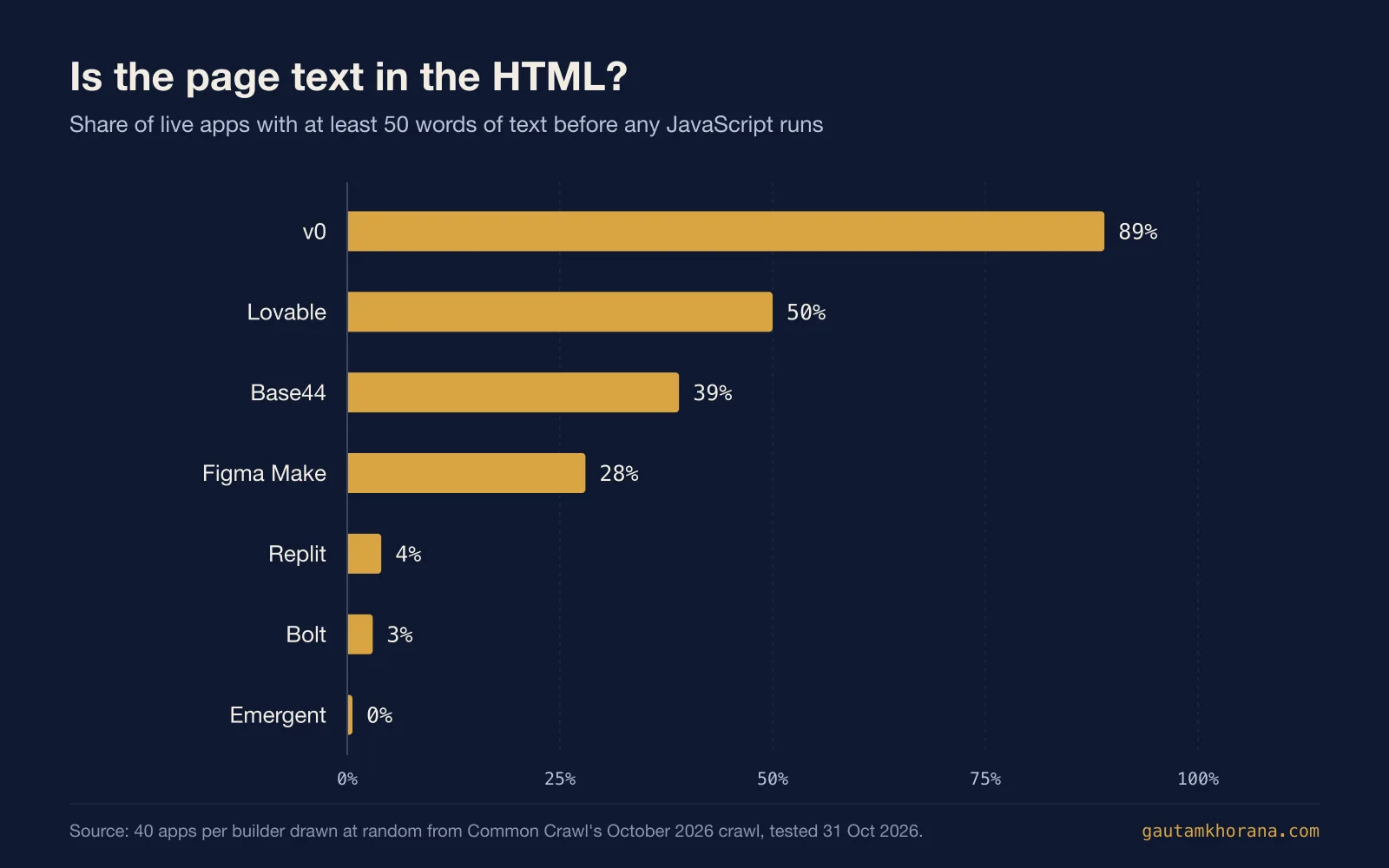
The bigger finding is what a crawler sees. Google renders JavaScript before it indexes a page, but it still says that server-side or pre-rendering is a great idea because not all bots can run JavaScript. Some important bots do not. The AI crawlers behind ChatGPT and Claude are among them: Vercel's crawler study found that none of the major AI crawlers rendered JavaScript. For those crawlers, a page whose text only appears after the JavaScript runs is effectively invisible.
Measured that way, the builders split cleanly. All 38 live v0 apps run on Next.js, and 89% of them had their text in the HTML. Lovable managed 50%. Base44 reached 39%. But apps built with Bolt, Replit and Emergent were almost all blank before JavaScript: the median Bolt app had 5 words of text in its HTML and 361 once the page had run. Lovable apps that had moved to their owner's domain did better than those still on lovable.app (8 of 11 against 11 of 27), though the numbers are small and should be treated with that caution.
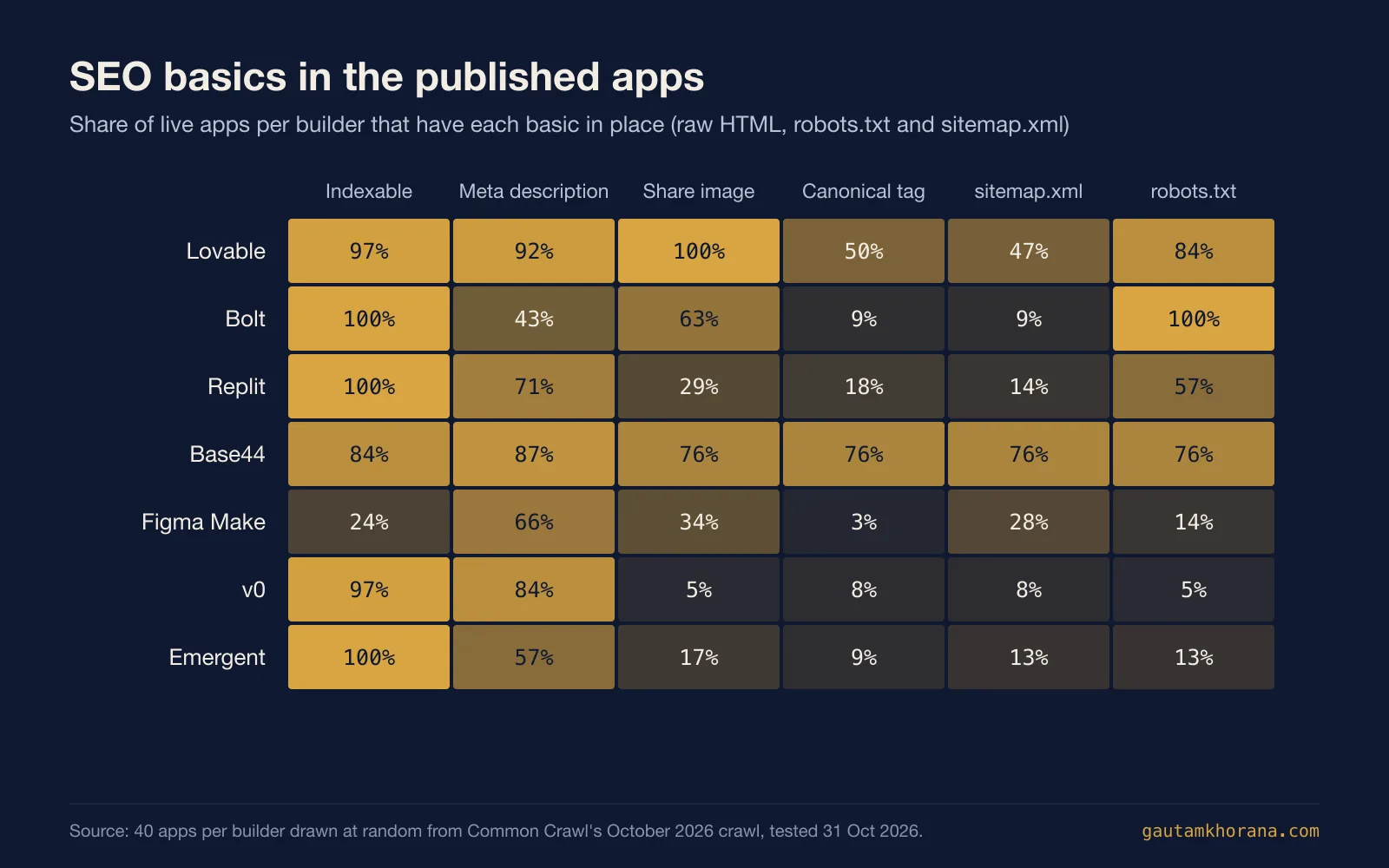
The SEO basics tell a similar story. Most apps had a title of their own: only 3% still carried a builder default such as "v0 App". Meta descriptions were common too, at 73% overall. Then the gaps open up. Only 27% had a canonical tag. Just 30% had a sitemap.xml. And one result stands out: 76% of the live Figma Make sites carried a "noindex, nofollow" robots tag, which tells Google not to index the page. If you publish a Figma Make site you want found, check that tag before you share the link.
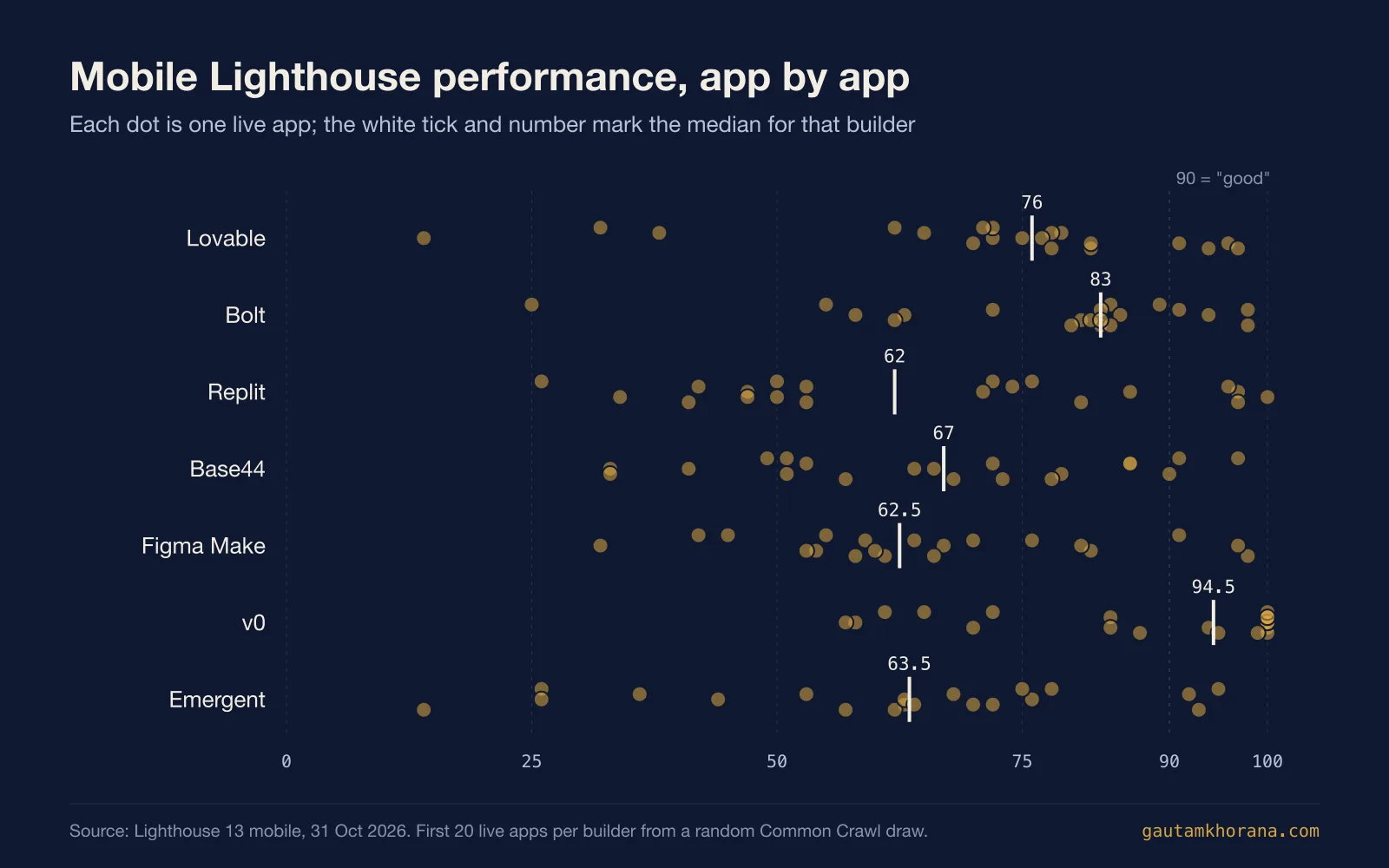
Performance is the stronger result. Across the 140 apps tested, the median mobile Lighthouse performance score was 72, and 32 apps scored 90 or more, the range Lighthouse rates as good. Pages were mostly light, with a median weight of 1 MB. v0 led, with a median score of 94.5 and a median Largest Contentful Paint of 1 second (which fits a Next.js app that sends ready-made HTML). Base44 apps took longest to show their main content in the lab, with a median of 6.5 seconds, so image and script weight are the first things to inspect there. But treat Lighthouse's own SEO score with care. It checks the page after JavaScript has run, so it gave a median of 92 to apps that a crawler without JavaScript sees as almost blank. Figma Make's lower median SEO score of 63 largely reflects that noindex tag.
Prompt-to-app builders
These are the tools most people mean by vibe coding: you describe an app in a chat box and get a working one back, usually with a database, sign-in and hosting included. They are the quickest route from an idea to a link you can share. They are also where the measurements matter most, because what they publish is precisely what your visitors and crawlers get. Seven of the ten were measured; the table shows how their sampled apps did.
| # | Tool | Best for | Free plan | Paid from | Sampled apps live | Text in HTML | Lighthouse, median |
|---|---|---|---|---|---|---|---|
| 1 | Lovable | Non-coders building working web apps by chat | 5 build credits a day | $25 a month (Pro) | 38 of 40 | 50% | 76 |
| 2 | v0 | Prompt-built Next.js apps deployed on Vercel | 7 messages a day | $30 per user a month (Plus) | 38 of 40 | 89% | 94.5 |
| 3 | Base44 | Non-coders turning prompts into full apps | 25 message credits a month | $16 a month, billed annually (Starter) | 38 of 40 | 39% | 67 |
| 4 | Bolt | Non-developers building business apps and prototypes | Daily limits, no card | $18 a month, billed annually (Pro) | 35 of 40 | 3% | 83 |
| 5 | Replit | Non-coders building apps, dashboards and documents together | Starter tier | $18 a month, billed annually (Core) | 28 of 40 | 4% | 62 |
| 6 | Figma Make | Designers prototyping web apps from Figma files | Limited, on Figma Starter | $16 a month per full seat (Professional) | 29 of 40 | 28% | 62.5 |
| 7 | Emergent | Describing web and mobile apps in plain language | 10 credits a month | $17 a month, billed annually (Standard) | 23 of 40 | 0% | 63.5 |
| 8 | Rocket | Teams wanting research, build and competitor tracking | 20 credits | $25 a month (Pro) | Not measured | Not measured | Not measured |
| 9 | Google AI Studio | Prompting Gemini-powered web and Android apps | Yes | Gemini API usage, per token | Not measured | Not measured | Not measured |
| 10 | Dyad | Local-first app building with your own models | Yes, with your own API key | $20 a month (Pro) | Not measured | Not measured | Not measured |
1. Lovable
Lovable is an AI software engineer that builds websites and web apps from a chat, with no technical knowledge needed. It generates a working application with frontend, backend, database, authentication and integrations, backed by editable code. It suits founders, designers and internal-tool builders who want a working prototype or small product without having to write the code first.
What the live apps show: Half of the sampled live apps (50%) have readable text in the HTML before JavaScript runs, and the median app carries 169.5 words there against 525.5 once rendered. App owners can view the page source of a published app (a two-second check) and, if the main heading and intro copy are missing, rework those pages so that copy appears in the first HTML.
Pick it if you want to build a website or web app by chatting, and you also want Git sync to GitHub, GitLab or Bitbucket included on every plan.
Look elsewhere if you need to edit or download code, or use a custom domain, without paying, since those start on the Pro plan.
Price: Free plan: 5 build credits a day (up to 30 a month) plus 20 Cloud credits a month. Paid plans from $25 a month (Pro, 100 credits), or $250 a year on annual billing.
Visit lovable.dev.
2. v0
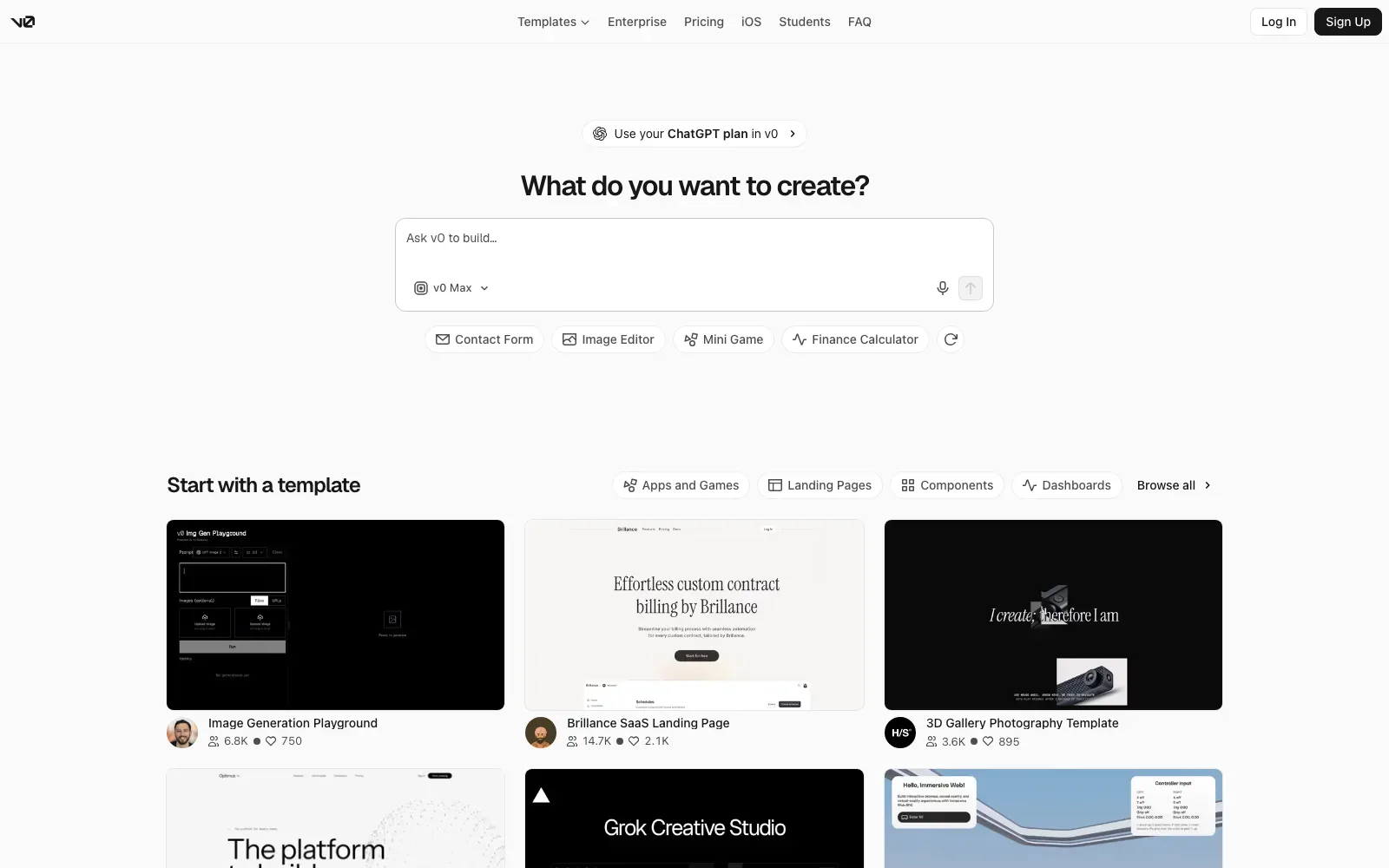
v0 is an AI agent that turns a prompt into real code and full-stack apps and agents. It works with Next.js, Tailwind and shadcn/ui. Deployment is close at hand too, since it can deploy to Vercel in one click or sync with GitHub. It suits developers and teams who want editable code from a prompt, such as landing pages, dashboards and AI apps.
What the live apps show: In the sample of live v0 apps, 89% had their text in the HTML before JavaScript runs, but only 5% had a share image and 16% kept a default page title. The main rendering choice is sound. But the surrounding publishing hygiene still needs attention, so set a proper title and add a share image before you post the link anywhere.
Pick it if you work with Next.js, Tailwind and shadcn/ui and want to go from a prompt to a Vercel deploy or a GitHub sync.
Look elsewhere if you need more than the free plan's 7 message/day limit and would rather not pay for credits.
Price: Free plan: $0 a month with a 7 message/day limit, Vercel deploys and GitHub sync. Paid plans from $30/user/month (Plus).
Visit v0.app.
3. Base44
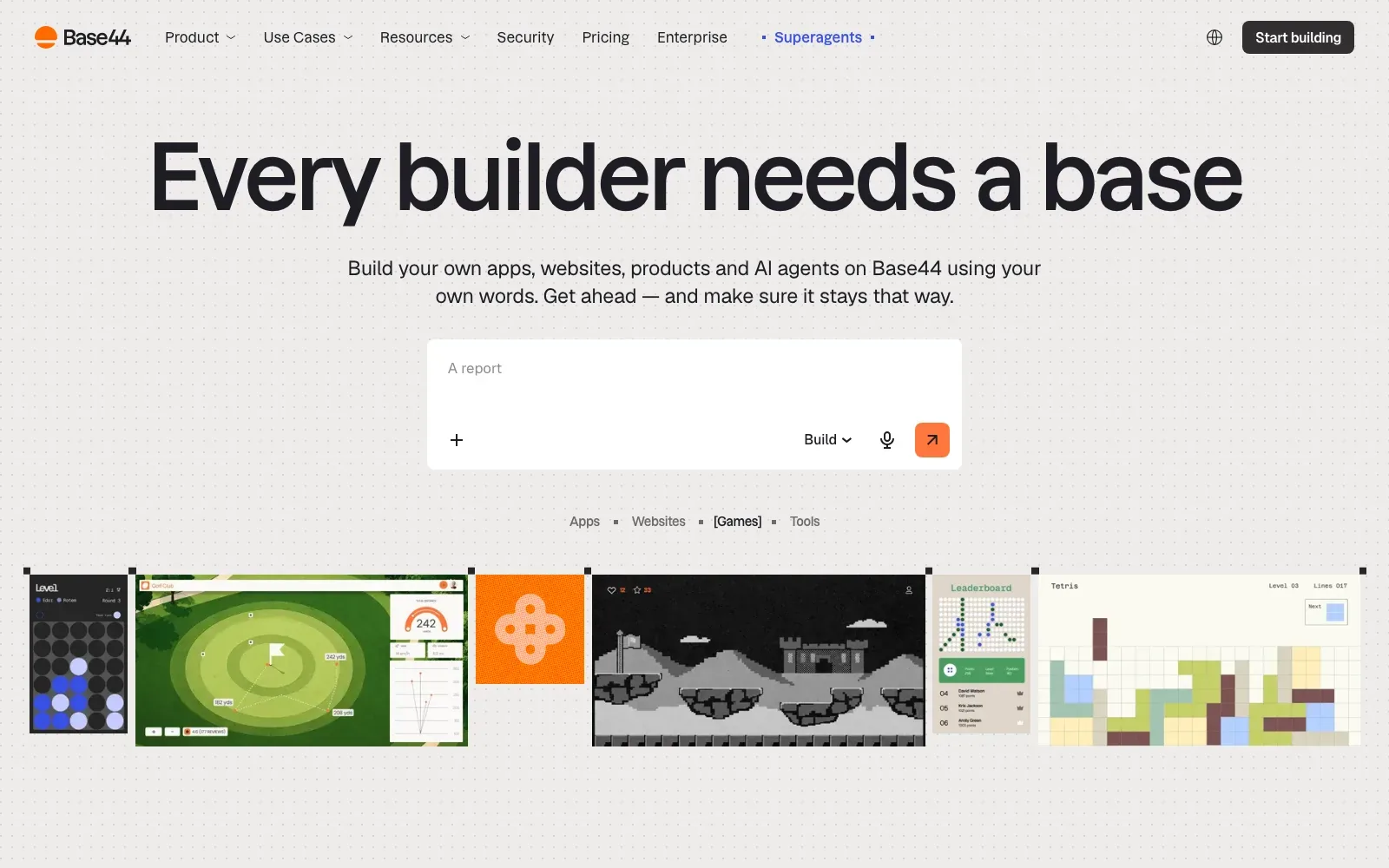
Base44 is a no-code AI platform that turns a plain-language description into a full app or website, with backend, database, user auth and hosting built in. The docs also list AI agents. It suits solo builders, founders and small teams who want a working product from a prompt without having to set up infrastructure first.
What the live apps show: In the sample of live apps, only 39% had readable text in the HTML before JavaScript runs, and the median page held 36 words before scripts against 235 once rendered. App owners can check their page with JavaScript switched off and make sure the main heading and key copy appear.
Pick it if you want a prompt to produce a full app with login, database and hosting included, and want two-way GitHub sync to take the source code into your own repo.
Look elsewhere if you need to choose a specific framework or tech stack, since none is stated, or if you want fixed running costs, as credit use varies by action and selected AI model.
Price: Free plan: $0, with 25 message credits/mo, 100 integration credits/mo and up to 5 apps. Paid plans from $16/mo, billed annually.
Visit base44.com.
4. Bolt
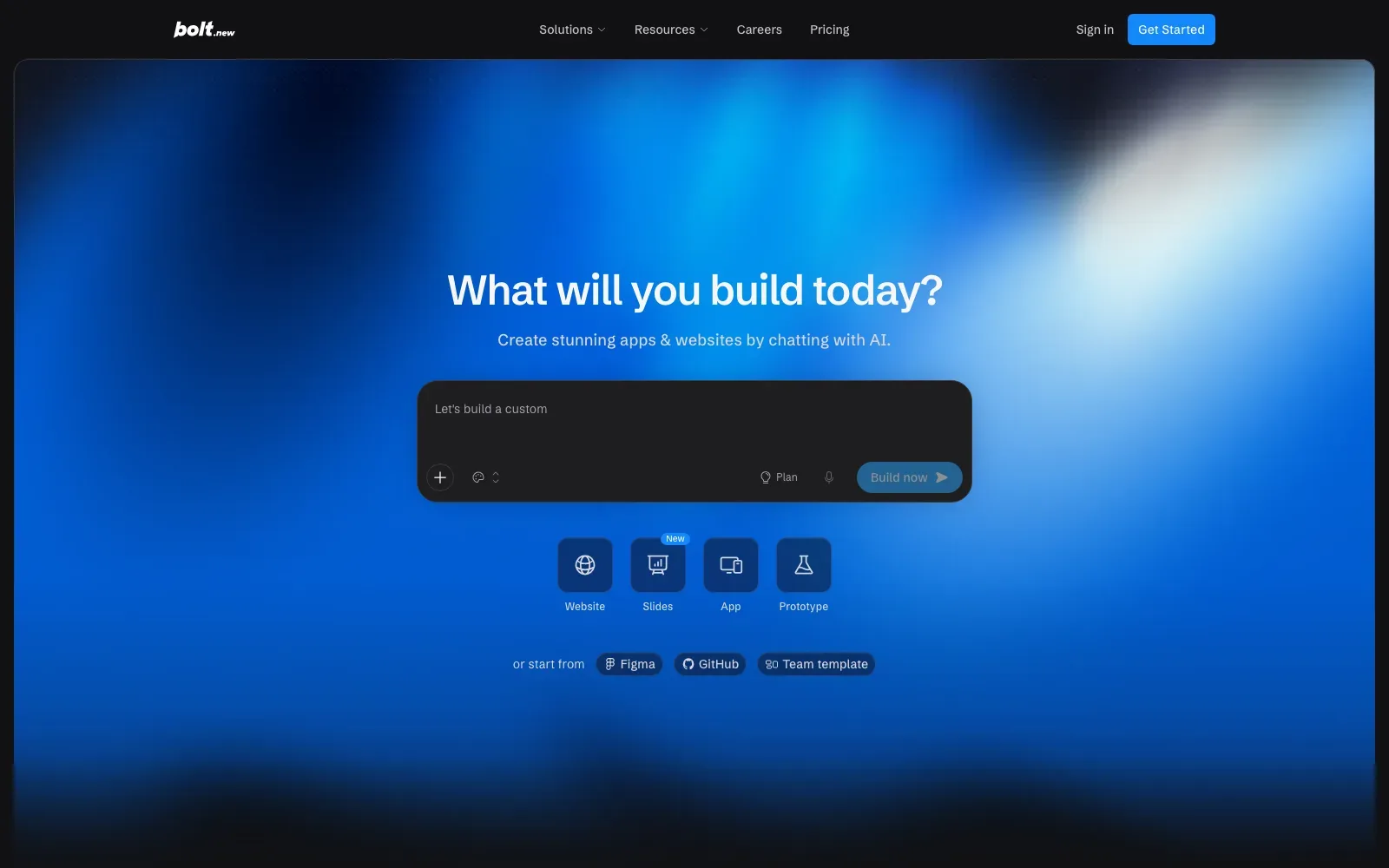
Bolt is a prompt-to-app builder whose pages describe custom business apps built in an afternoon, with no code and no developer. Built-in hosting publishes projects to a live URL. So it makes a natural fit for non-developers and small teams who want a working app, website or prototype without arranging hosting separately.
What the live apps show: In the sample of live apps, only 3% had readable text in the HTML before JavaScript runs, with a median of 5 words there against 361 once rendered. If an app needs to be found by search engines or AI assistants, pre-render its landing pages so the copy is in the HTML.
Pick it if you want a builder that is free to start and publishes to a live .bolt.host URL without a third-party account.
Look elsewhere if you need a custom domain without paying, as those are Pro only, or if a stated framework and code ownership terms matter, as neither is stated.
Price: Free plan: 1M tokens a month with a 300K daily token limit and Bolt branding. Paid plans from $18 a month, billed annually (Pro), plus applicable taxes.
Visit bolt.new.
5. Replit
Replit Agent turns plain-language prompts into web apps, mobile apps, data dashboards, slides, designs and documents, and several outputs can share one project backend. It suits people who want to describe an idea and get something working without writing code, from internal dashboards to small AI-powered tools. But check what it builds. Its behaviour is probabilistic, so the result still needs review by someone who knows what the app is meant to do.
What the live apps show: In the sample of live apps, only 4% had readable text in the HTML before JavaScript runs, with a median of 6 words there against 168.5 once the page rendered. If an app needs to be found, pre-render the pages that matter or put their copy in the HTML.
Pick it if you want to describe an app, a dashboard or a set of documents in plain language and keep them in one project.
Look elsewhere if you need a free plan, code export or hosting terms confirmed up front, because its pricing pages state none of those.
Price: Free plan: a Starter tier, with limits the pages do not spell out. Paid plans from $18 a month billed annually, listed against $20 (Core).
Visit replit.com.
6. Figma Make
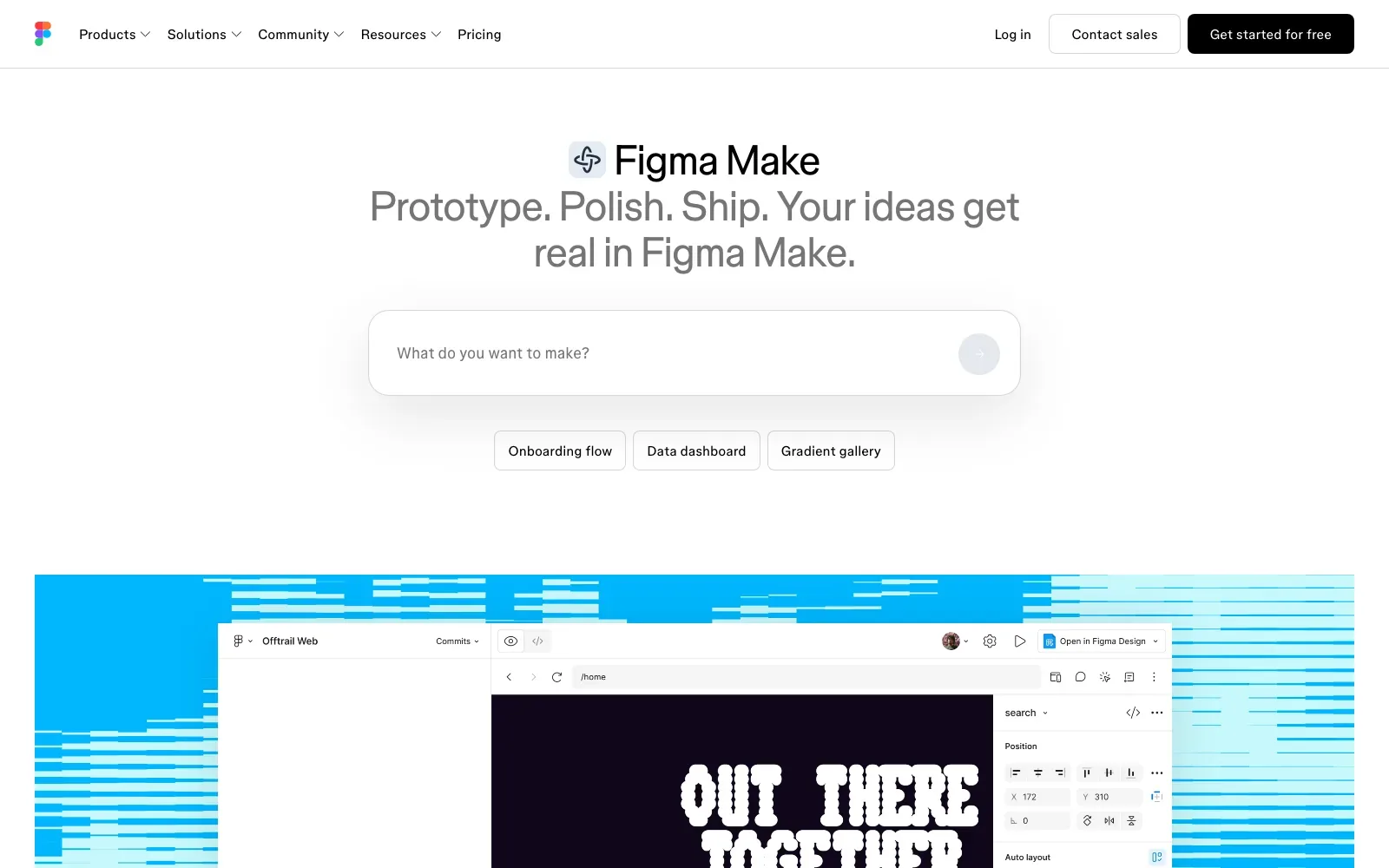
Figma Make is a prompt-to-app builder inside Figma that generates a functional prototype or web app from a written prompt. Everything built is code-backed and visually editable. It can also connect to Supabase or scaffold a Payload backend with a database, APIs, auth and an admin panel. It suits designers already working in Figma who want a working prototype they can publish.
What the live apps show: Among live apps sampled from figma.site, 76% carry an instruction asking search engines not to list the page, and the median page has 4 words of text in the HTML before JavaScript runs against 325 once rendered. Owners who want search traffic can check that instruction and put key copy where it shows before JavaScript runs.
Pick it if you already design in Figma and want to turn a prompt, a design system or Figma frames into a published web app with a dedicated URL.
Look elsewhere if you need GitHub sync or code export for Make, as the pages state neither and building on a local codebase is still labelled Beta and coming soon.
Price: Free plan: limited access on Figma Starter, with 150 AI credits a day up to 500 a month; the pages do not say which Make features it covers. Paid plans from $16/mo for a Professional full seat with 3,000 AI credits a month.
Visit figma.com/make.
7. Emergent
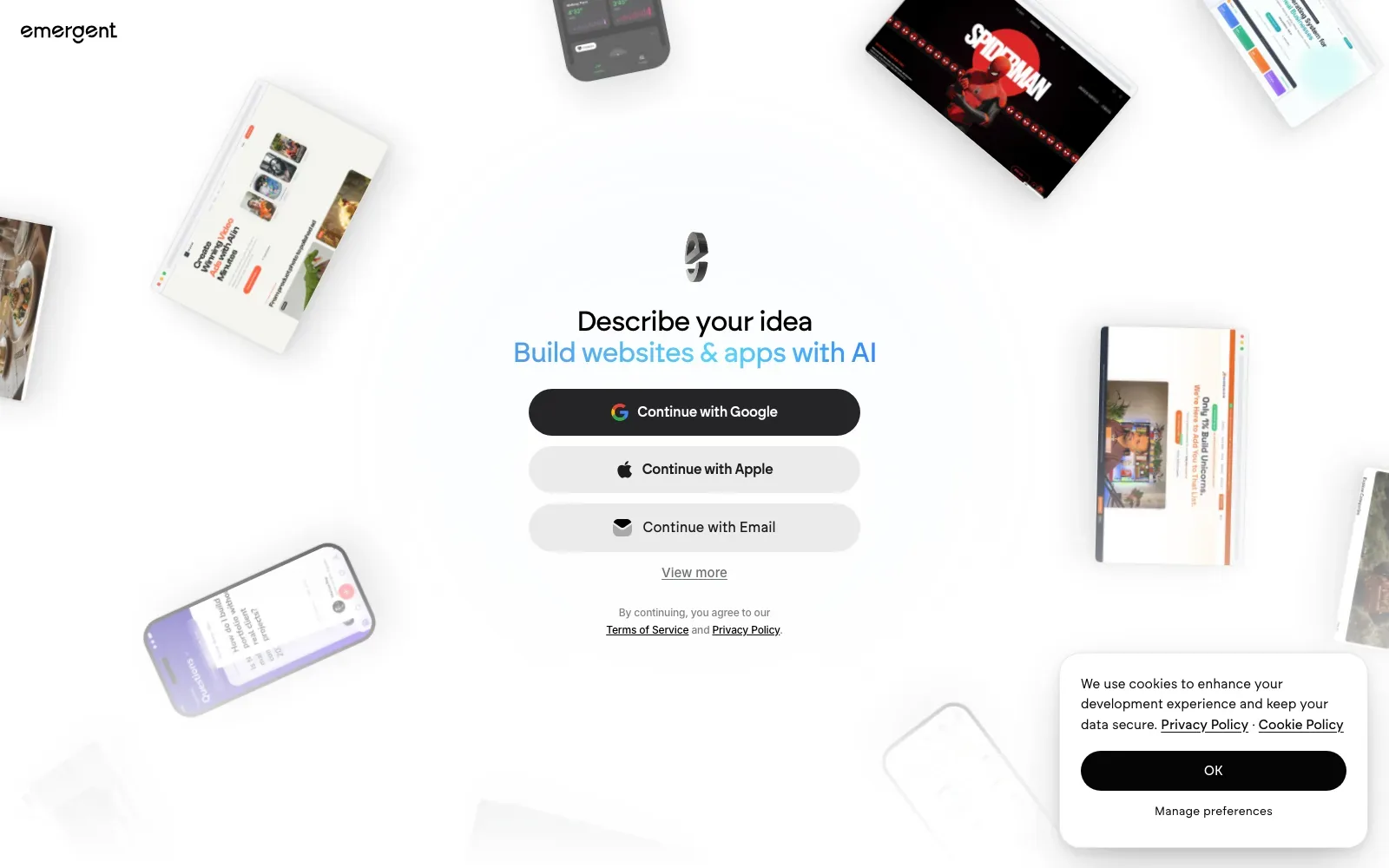
Emergent is a prompt-to-app builder where you describe what you want in plain language and the AI handles the coding, design and deployment. It covers web applications, mobile apps, dashboards, e-commerce sites and internal business tools. It suits individual builders and teams who want a working product from a conversation, and who may later want the code in GitHub.
What the live apps show: Of the 23 live apps in the sample, none had readable text in the HTML before JavaScript runs, with a median of 5 words before and 174 once rendered. App owners who want search traffic can publish key pages as pre-rendered HTML or put the landing copy on a separate static page.
Pick it if you want to start free with 10 free monthly credits and keep ownership of all the generated code, with GitHub integration on the Standard plan.
Look elsewhere if you need to choose named models or a specific tech stack, as the page states neither.
Price: Free plan: $0 a month with 10 free monthly credits. Paid plans from $17/ month on annual billing (Standard, 100 credits a month).
Visit emergent.sh.
8. Rocket
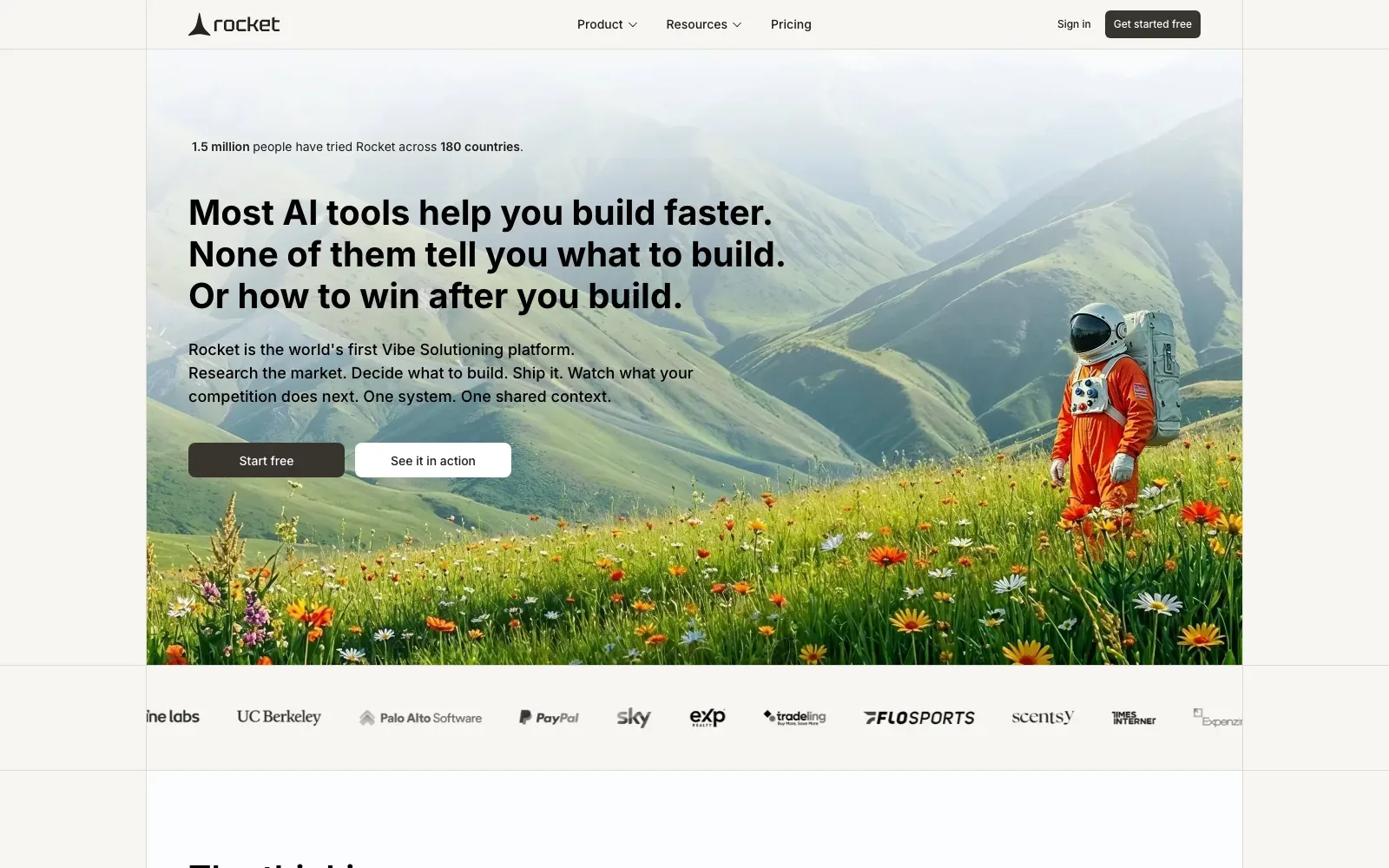
Rocket is a credit-based platform with three capabilities: Build, Solve and Intelligence. Build generates production-ready websites, landing pages, web apps and mobile apps. Solve returns findings, evidence and a recommendation, while Intelligence monitors competitors' public platforms. And it suits founders and small teams who want market research and competitor tracking alongside the build, with unlimited team members on every plan.
Pick it if you want research and competitor tracking drawing on the same credit balance as the build, with unlimited team members and no per-seat pricing.
Look elsewhere if you need the models, stack or code ownership terms stated up front, as its pages state none of those.
Price: Free plan: $0 per month platform fee, 20 free credits, no credit card required. Paid plans from $25 per month for Pro, with 100 monthly credits.
Visit rocket.new.
9. Google AI Studio
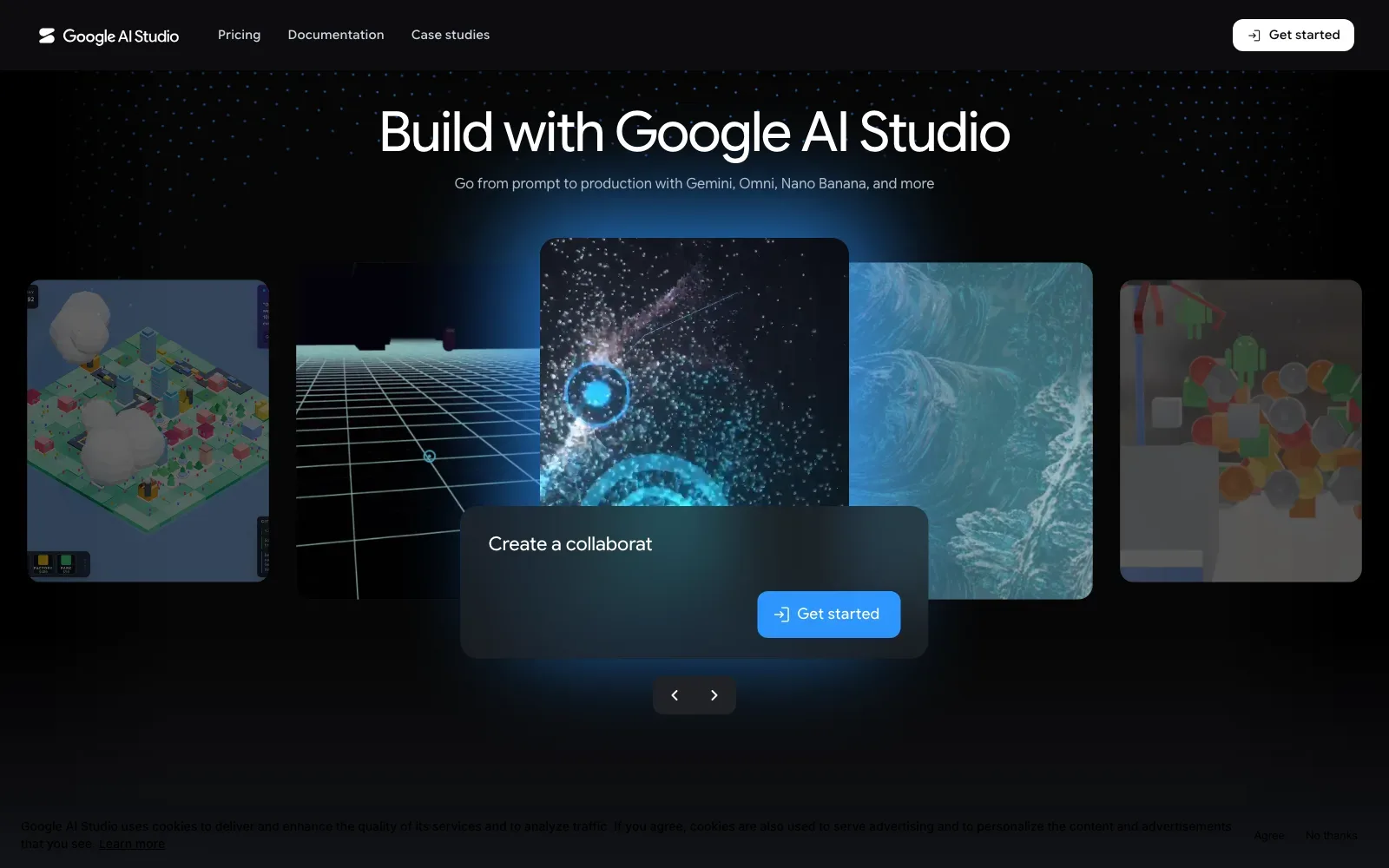
Google AI Studio's Build mode turns a natural language prompt into a working app, with generated code and a live preview on the right-hand side. It produces web apps with full-stack runtimes by default. It also produces native Android apps with Kotlin and Jetpack Compose. So it makes good sense for developers and small projects getting started with the Gemini API.
Pick it if you want to prompt an app into existence, sync it two-way with GitHub, and deploy it to Cloud Run with the API key kept in the server-side environment.
Look elsewhere if you need real-time collaborative editing, since AI Studio doesn't support it and teammates have to work through a shared GitHub repository.
Price: Free plan: limited access to certain models with free input and output tokens. Paid: Gemini API usage billed per million tokens, and Cloud Run pricing may apply once you deploy.
Visit aistudio.google.com.
10. Dyad
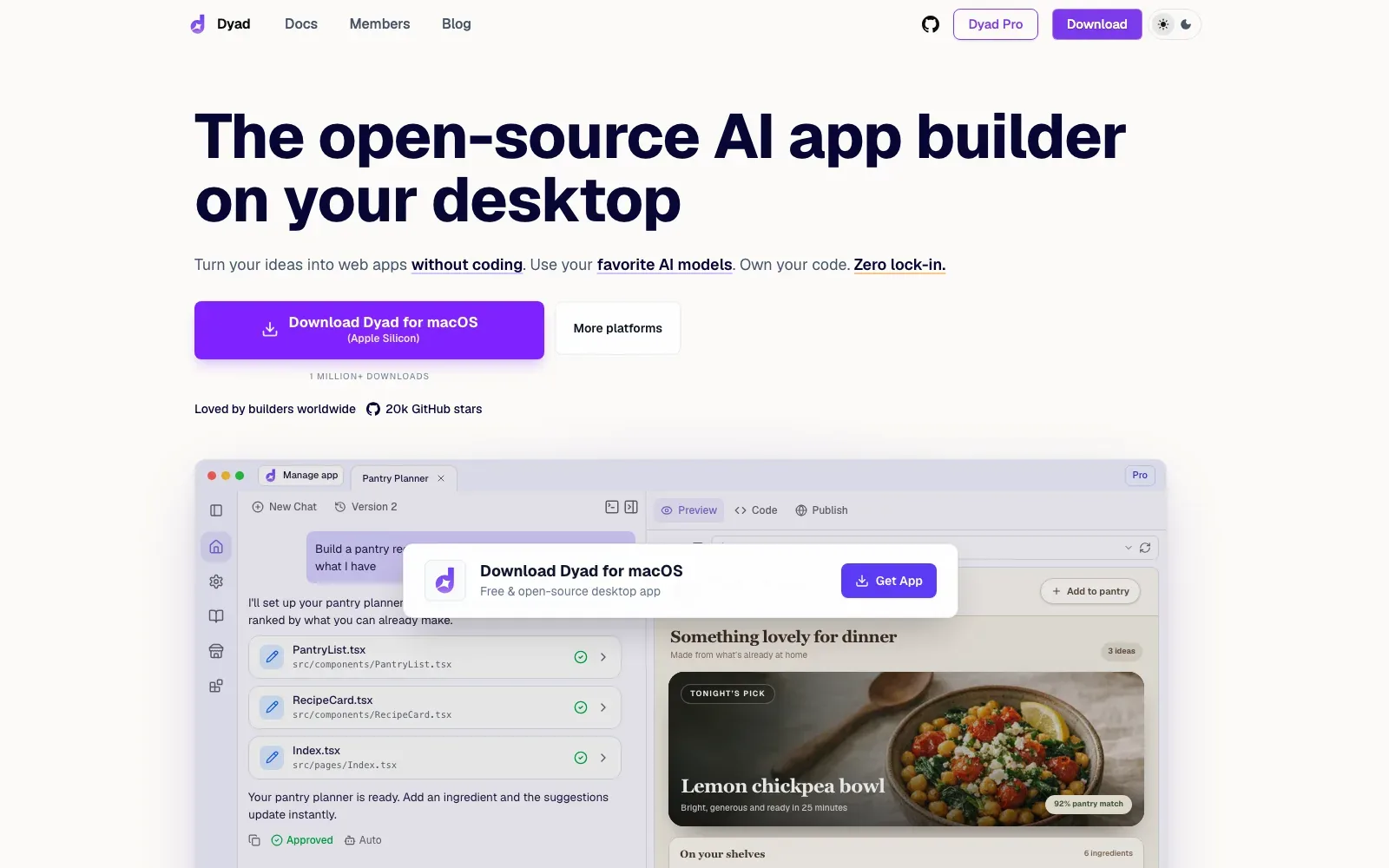
Dyad is a free, open-source AI app builder that runs as a desktop app and turns a described idea into a working web app. It produces standard Next.js projects whose files stay on disk. For database and auth it works with Supabase or Neon, and for deployment it uses GitHub and Vercel. It suits people who want to bring their own API key and keep full ownership of the source.
Pick it if you want to build web apps on your own machine with the AI model of your choice, keep the code on disk and avoid lock-in.
Look elsewhere if you want to build in a browser, since Dyad is a macOS and Windows download and no browser version is stated.
Price: Free plan: Dyad Free, open-source, no sign-up required, bring your own API key. Paid plans from $20/month (Dyad Pro, 200 AI credits/month).
Visit dyad.sh.
AI code editors
An AI code editor is a full editor with agents built in. You still see and own every file. The agent works inside your project rather than on a hosted copy (a meaningful distinction from many prompt-to-app builders). These suit anyone who can read code or wants to learn, and they are where most developers do their vibe coding.
| # | Tool | Best for | Free plan | Paid from | Runs in |
|---|---|---|---|---|---|
| 11 | Cursor | Developers wanting a coding agent across tools | Limited usage | $8 a month (Plus, Grok models only) | Desktop app, CLI |
| 12 | Kiro | Spec-driven agentic work on large codebases | 50 credits a month | $20 per user a month (Pro) | IDE, CLI, web |
| 13 | Zed | Developers wanting a fast editor with agents | Yes, with your own keys | $10 a month (Pro) | Desktop editor |
| 14 | Devin Desktop | Developers managing several coding agents in one IDE | Light quota | $20 a month (Pro) | Desktop IDE |
| 15 | Google Antigravity | Developers running multiple local coding agents | Yes, weekly rate limits | Google AI Pro plan | Desktop app, CLI, IDE |
11. Cursor
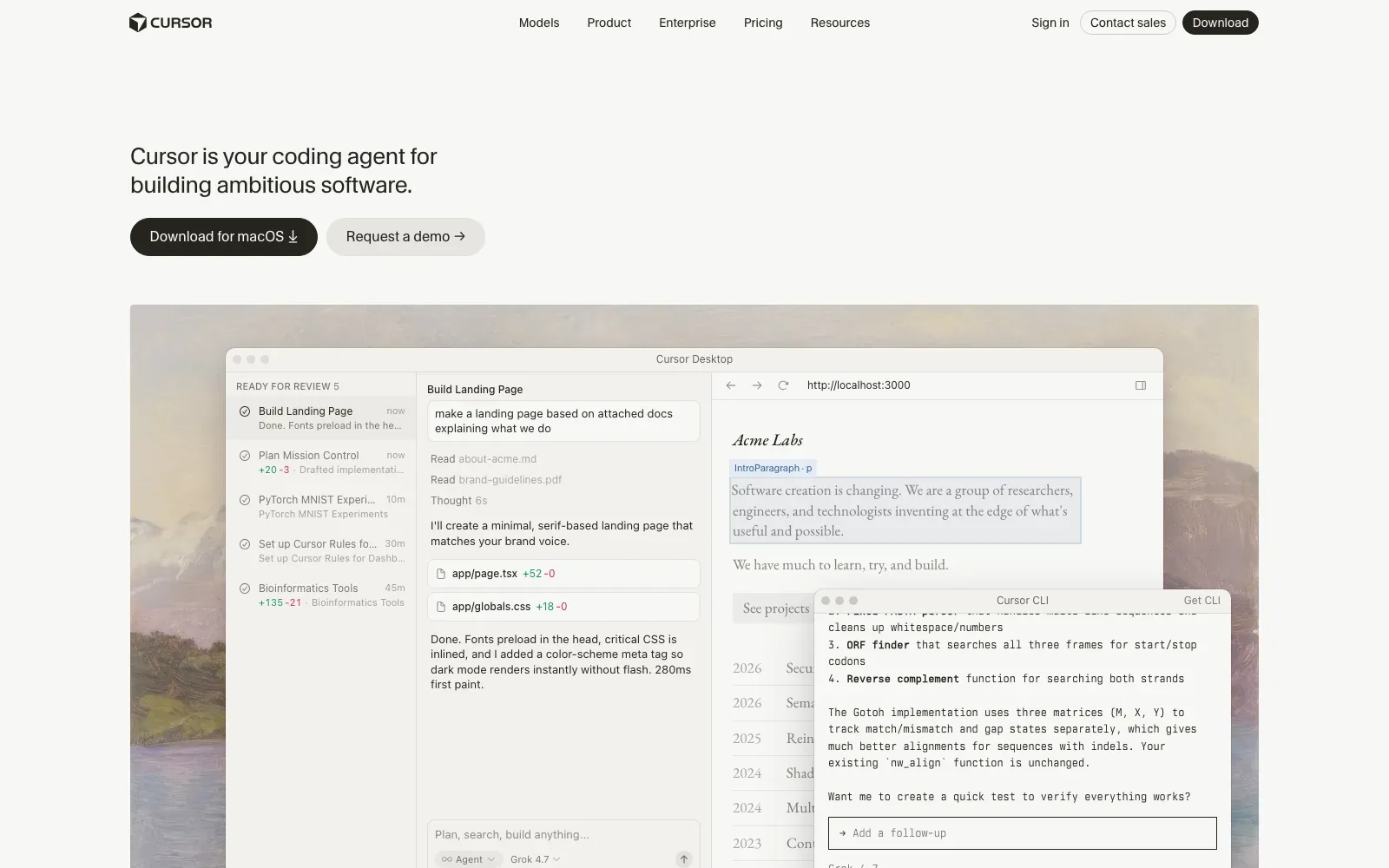
Cursor is a coding agent for building software, available as a desktop app for macOS, a terminal CLI, a Slack integration and GitHub pull request reviews. Agents turn ideas into code. Cloud agents also build, test and demo features end to end. It suits developers who want an agent working alongside their existing tools and are happy to manage a usage allowance.
Pick it if you want one coding agent across desktop, terminal, Slack and GitHub reviews, and are happy to start on Plus at $8/month with Grok models only.
Look elsewhere if you want third-party models covered by the monthly price, as Plus includes only Grok models and Premium and above bill third-party usage separately.
Price: Free plan: $0/month with limited AI usage and agent requests. Paid plans from $8/month (Plus, Grok models only).
Visit cursor.com.
12. Kiro
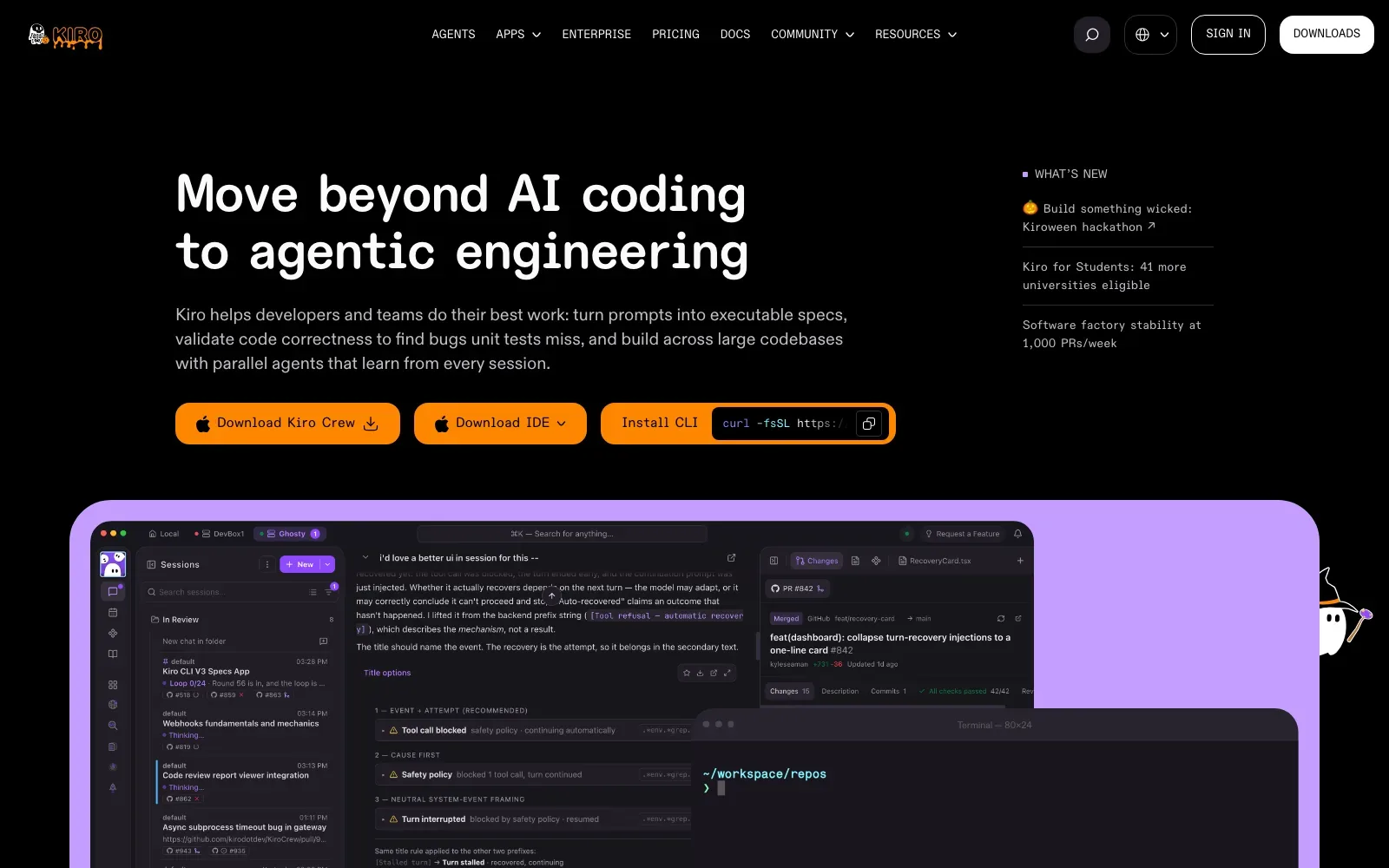
Kiro is an AI code editor that turns prompts into executable specs, checks code correctness to catch bugs unit tests miss, and runs parallel agents across large codebases. It comes as an IDE, a CLI, Kiro Web and Kiro Crew, with a vibe mode and a spec mode. It suits developers and teams working on larger codebases who want a written spec before code appears.
Pick it if you want spec-driven work with parallel agents across a large codebase, plus a free tier of 50 credits to try it first.
Look elsewhere if you need stated terms on hosting, code export or open source, since the pages give none, or if you need the Free tier inside Kiro Enterprise or AWS GovCloud (US) Regions.
Price: Free plan: 50 credits per month with Claude Sonnet 4.5 and open weight models, subject to rate limits. Paid plans from $20 per user / month (Kiro Pro, 1,000 credits).
Visit kiro.dev.
13. Zed
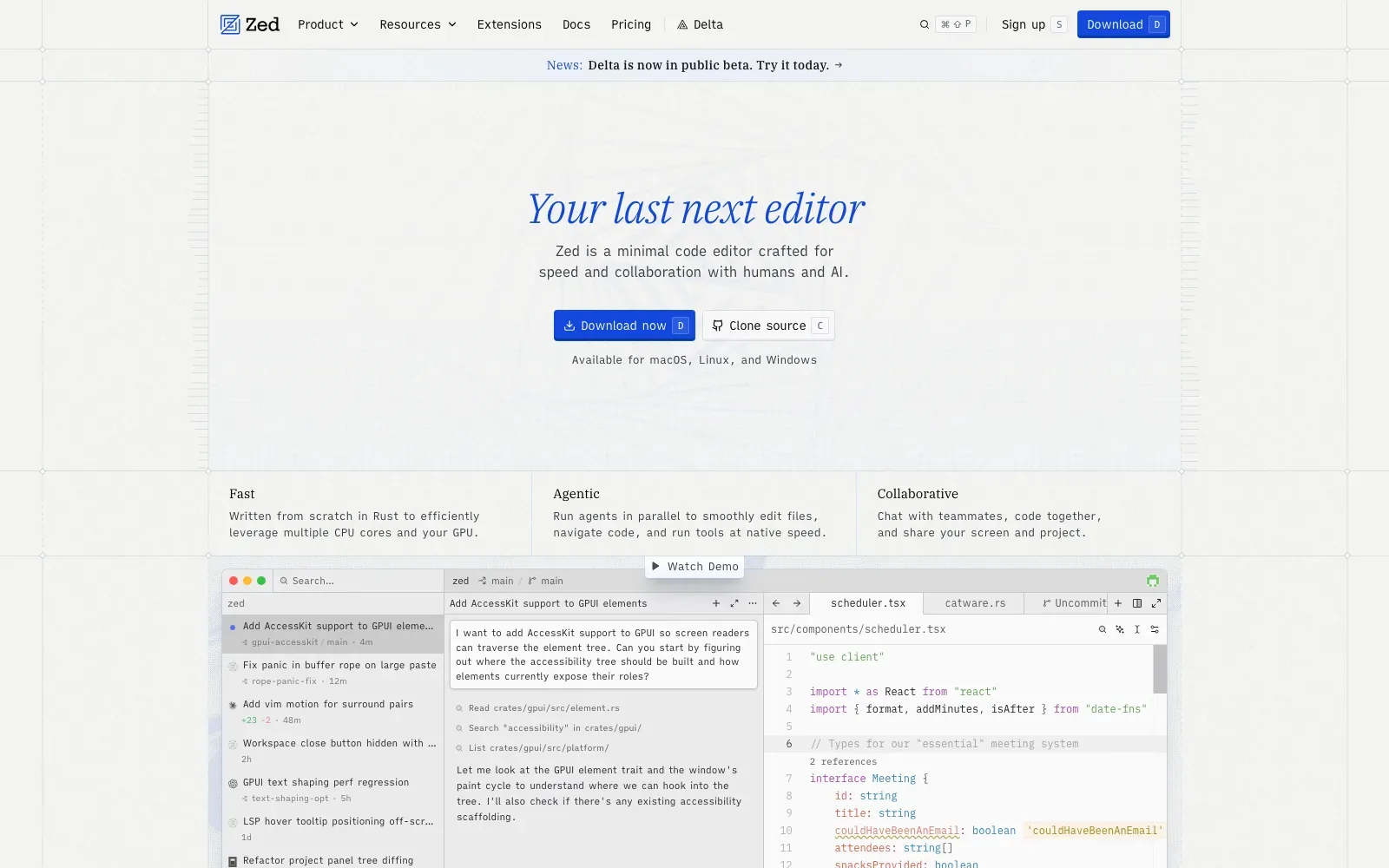
Zed is an open source code editor written in Rust, with built-in AI, agent support and multiplayer collaboration. Agents edit files, navigate code and run tools inside the editor. Before committing, changes can be reviewed in an editable unified diff. It suits developers who want to stay in a fast editor and bring their own API keys or external agents.
Pick it if you want a fast, open source editor where external agents such as Claude Agent or Codex CLI run alongside your own API keys.
Look elsewhere if you need SSO, SAML or SCIM, which are planned but not currently available, or want a prompt-to-app generator rather than an editor.
Price: Free plan: Personal, with 2,000 accepted edit predictions and unlimited use with your own API keys or external agents. Paid plans from $10 per month (Pro).
Visit zed.dev.
14. Devin Desktop
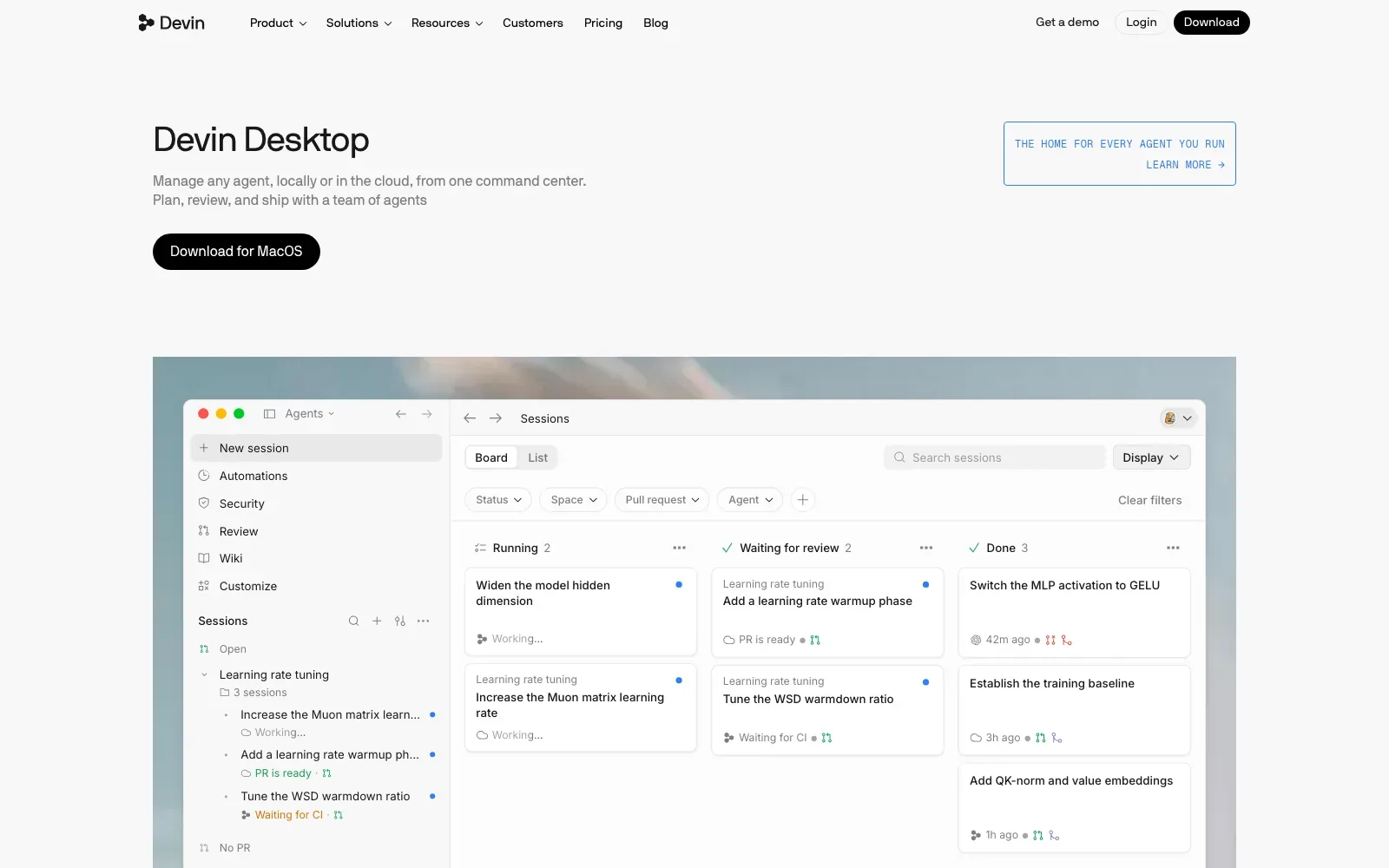
Devin Desktop is the new name for Windsurf: the same IDE and editor, unified under the Devin brand, with the Agent Command Center as the main view. That view brings Spaces, a Kanban view and multi-agent management together. Local and cloud agents can therefore be run from one place. It suits developers who already work in an IDE and want to supervise several agents at once.
Pick it if you want an IDE with local and cloud agents managed from a Kanban-style command center, plus a free tier with unlimited Tab completions.
Look elsewhere if you work in JetBrains, since the Windsurf JetBrains plugin is in maintenance mode and newer JetBrains IDE releases can break it.
Price: Free plan: light quota to code with agents, limited model availability, unlimited inline edits and unlimited Tab completions ($0/month). Paid plans from $20/month (Pro).
Visit windsurf.com.
15. Google Antigravity
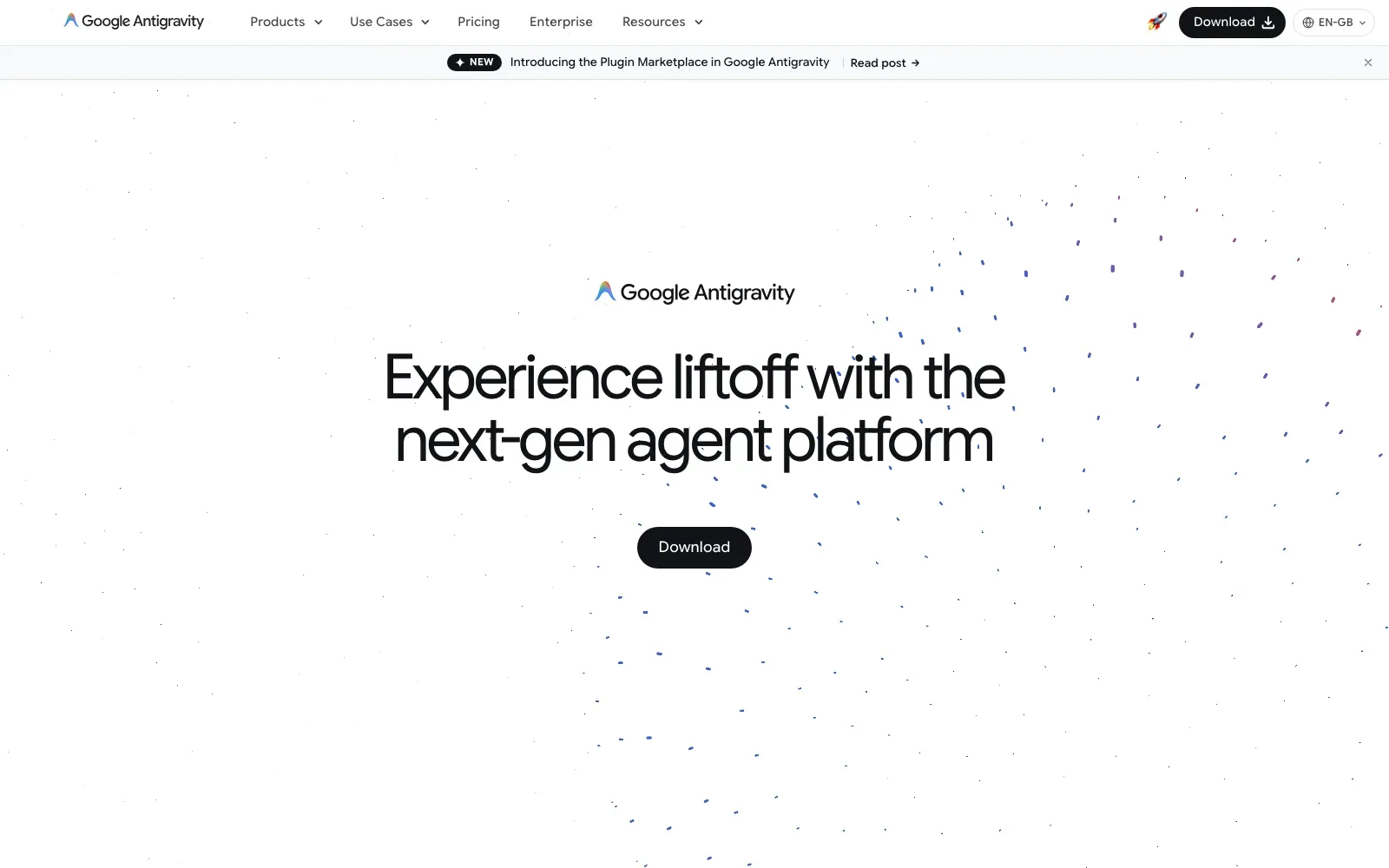
Google Antigravity is an agent-first development platform that comes as a desktop App, a CLI (command agy), an IDE and a Python SDK. The App manages multiple local agents in parallel across several workspaces. It suits developers who want agents running coding tasks and shell commands, and who are happy to work from a desktop install on macOS, Windows, Linux or Googlebook.
Pick it if you want a free, no-subscription way to try agent-first coding on the desktop with Gemini, Claude Sonnet & Opus 4.6 and gpt-oss-120b.
Look elsewhere if you need hosting, GitHub sync or paid-plan prices settled up front, since none of those are stated and the Individuals plan has basic weekly rate limits.
Price: Free plan: $0/month for Individuals, with unlimited Tab completions, unlimited Command requests and basic weekly rate limits. Higher limits come with Google AI Pro and Google AI Ultra, which the page lists without prices.
Visit antigravity.google.
Extensions for the editor you already use
If you already have an editor you like, you do not need a new one. These three add an agent to VS Code, JetBrains or both. Two are open source. And that changes the buying decision, because you choose the model and pay its provider directly instead of moving your whole workflow into another editor.
| # | Tool | Best for | Free plan | Paid from | Runs in |
|---|---|---|---|---|---|
| 16 | GitHub Copilot | Developers already working in GitHub and their editors | 2,000 suggestions a month | $10 a month (Pro) | Editors, CLI, GitHub |
| 17 | Cline | Open source agent inside your existing editor | Open source, pay for inference | Enterprise only, custom | VS Code, JetBrains, CLI, desktop |
| 18 | Kilo Code | Open source agent for VS Code and JetBrains | Free for individuals | $15 per user a month (Teams) | VS Code, JetBrains, CLI, web |
16. GitHub Copilot
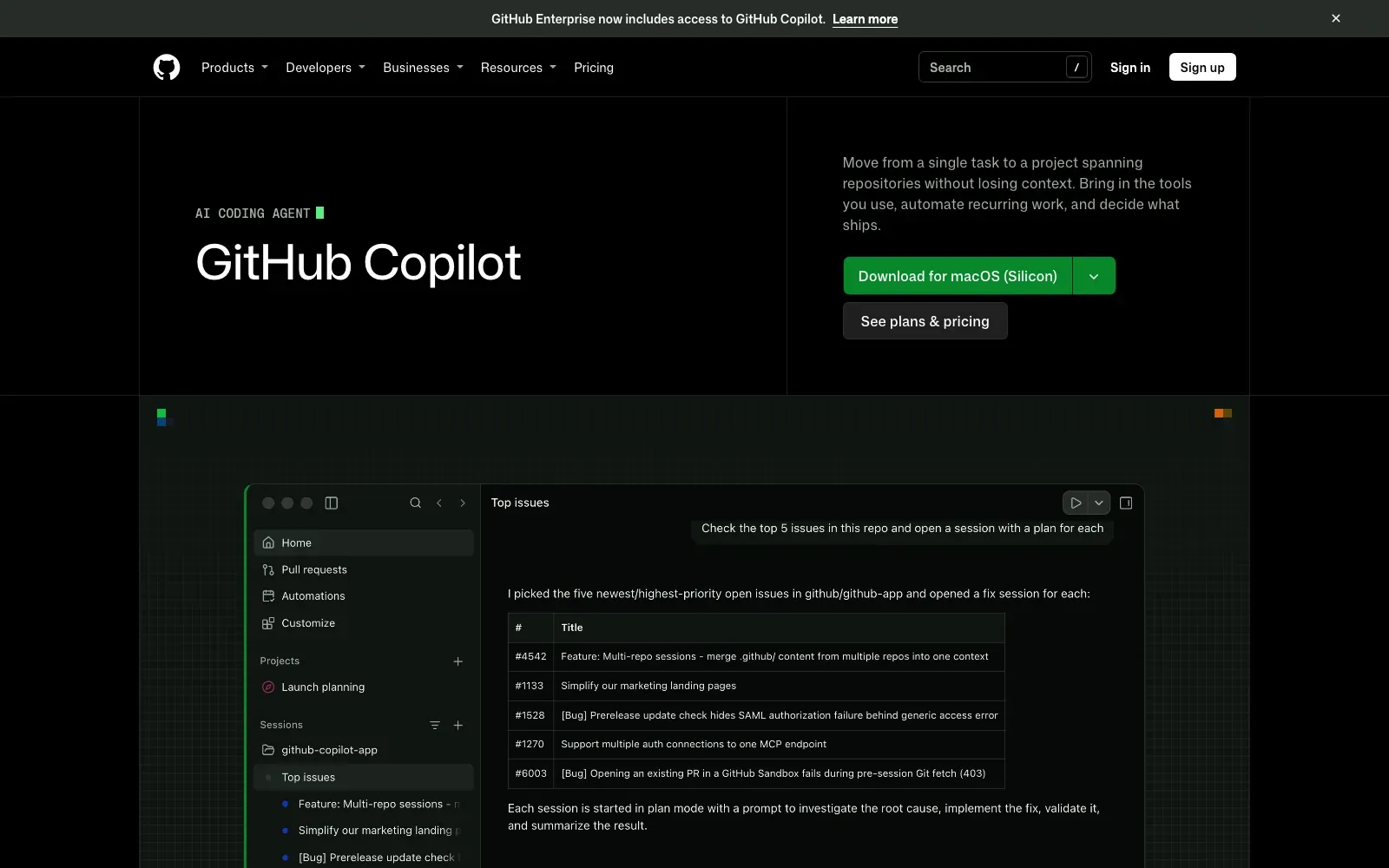
GitHub Copilot is an AI assistant that suggests code as you type, answers questions about a codebase, reviews changes and works on tasks you assign it. It sits inside editors, the CLI and GitHub itself. A change can start as an issue, be picked up by an agent, return as a pull request and get merged. It suits developers who already keep their work on GitHub.
Pick it if your code already lives on GitHub and you want suggestions, chat, reviews and agent work inside the editor you already use, with a Free plan to try first.
Look elsewhere if you need IP indemnity, SAML SSO or pooled usage, none of which are included on Free, Pro, Pro+ or Max.
Price: Free plan: limited chat and agent usage plus 2,000 inline suggestions per month. Paid plans from $10 per month.
Visit github.com/features/copilot.
17. Cline
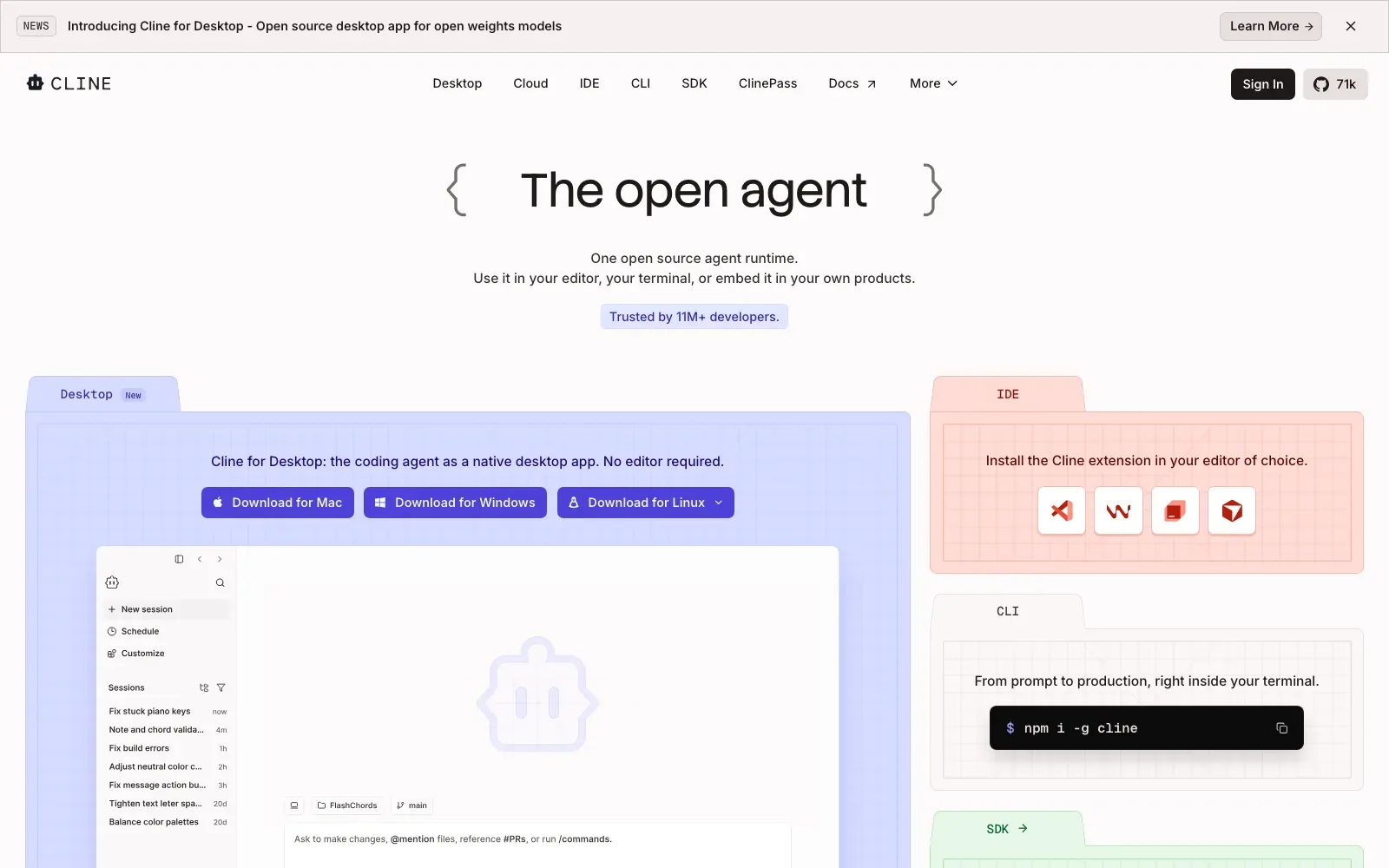
Cline is an open source autonomous coding agent that runs as a VS Code extension, a JetBrains plugin, a CLI, a desktop app or an SDK. It edits code across a project and runs bash commands. It also offers Plan and Act modes. It suits developers who want an agent inside the editor or terminal they already use, with their own API keys.
Pick it if you want an Apache-2.0 licensed agent that works with Anthropic, OpenAI, Google or local models through Ollama and LM Studio, and you are happy to pay only for inference.
Look elsewhere if you want a fixed-price paid plan, since the only paid tier listed is Enterprise with custom pricing.
Price: Free plan: open source and free for individual developers; you pay for model inference at cost or bring your own key. Paid: Enterprise only, with custom pricing.
Visit cline.bot.
18. Kilo Code
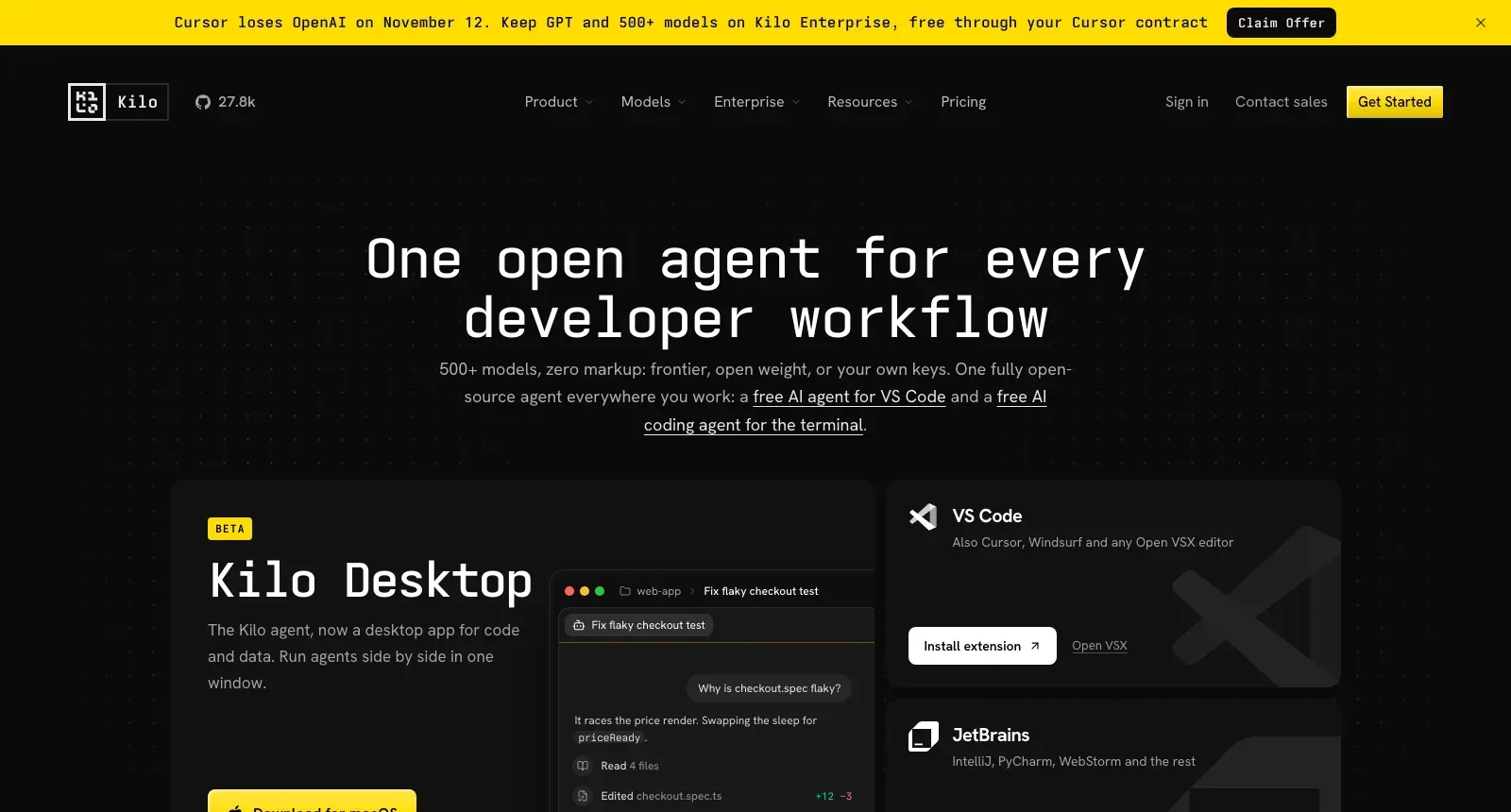
Kilo Code is an open source AI coding agent that runs in VS Code, JetBrains and the CLI, with a web Cloud Agent as well. It writes code across multiple files from natural language. The working modes are Code, Plan, Ask and Debug agents. It suits developers who already have an editor they like and want to choose their own models.
Pick it if you want an open source agent inside VS Code, JetBrains or the CLI, with 500+ models at the provider's rate and zero markup.
Look elsewhere if you need a clear list of what the free plan includes, as the pricing pages do not spell it out, or if you want one bill, since cloud compute is charged separately from inference.
Price: Free plan: Individual plan at $0, free for individuals. Paid plans from $15/user/month (Teams), with cloud compute and inference charged separately.
Visit kilo.ai.
Terminal and cloud coding agents
Agents work without an editor at all. You give them a task in the terminal or a web app, and they plan it, write the code, run the tests and hand back a pull request. They are strongest on an existing codebase. But they also need someone who can review what they produce, because the output is still software that has to be owned.
| # | Tool | Best for | Free plan | Paid from | Runs in |
|---|---|---|---|---|---|
| 19 | Claude Code | Developers maintaining existing codebases from the terminal | No | $20 a month, or $17 billed annually (Pro) | Terminal, IDE, desktop, web |
| 20 | OpenAI Codex | Existing ChatGPT subscribers wanting coding agents | Yes, in the desktop app | $8 a month (Go), $20 (Plus) for CLI and IDE | Desktop app, CLI, IDE, web |
| 21 | Amp | Developers running background agents from the terminal | Yes, with your own subscriptions or keys | $20 a month (Individual) | CLI, remote orbs |
| 22 | OpenCode | Developers wanting a free, open source terminal agent | Open source, free models included | Pay only for paid models you connect | Terminal, IDE, desktop |
| 23 | Devin | Engineering teams clearing ticket backlogs and migrations | Light quota | $20 a month (Pro) | Web app, desktop, CLI |
19. Claude Code
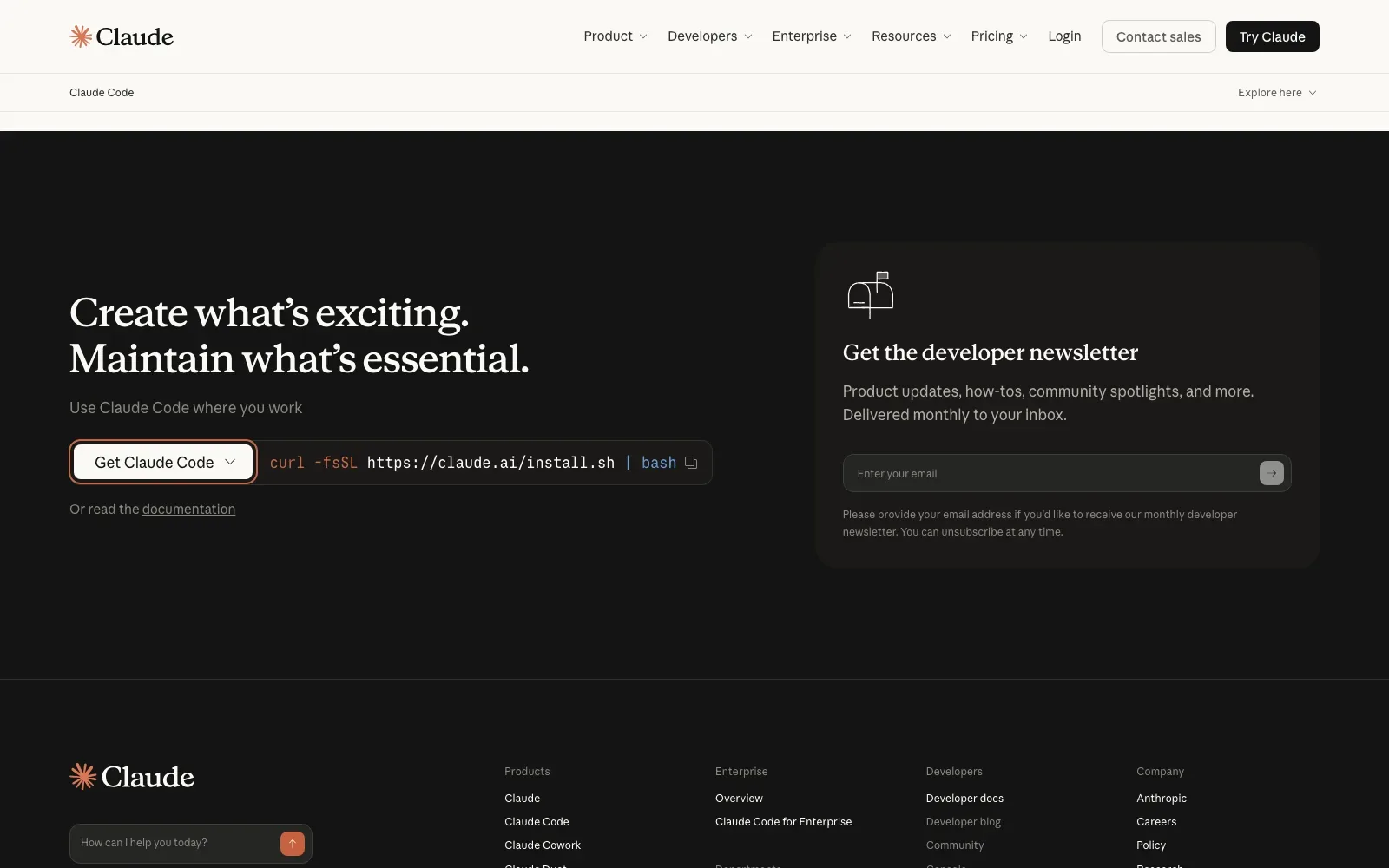
Claude Code is a coding agent that takes a bug fix, test or multi-day migration and lets you steer and review the work from your terminal, IDE, Slack or web. It plans, writes code, runs tests and opens pull requests. It suits developers who already have a codebase to maintain and want an agent working alongside their existing tools.
Pick it if you want an agent that runs locally from the terminal and also reaches into VS Code, JetBrains IDEs and Slack.
Look elsewhere if you need a free tier, since Claude Code is not on the Free plan, or if limits that reset on a rolling five-hour session window would interrupt long sessions.
Price: No free plan: Claude Code is not included on Free. Pro is $20 a month billed monthly, or $17 a month with the annual discount ($200 billed up front).
Visit claude.com/product/claude-code.
20. OpenAI Codex
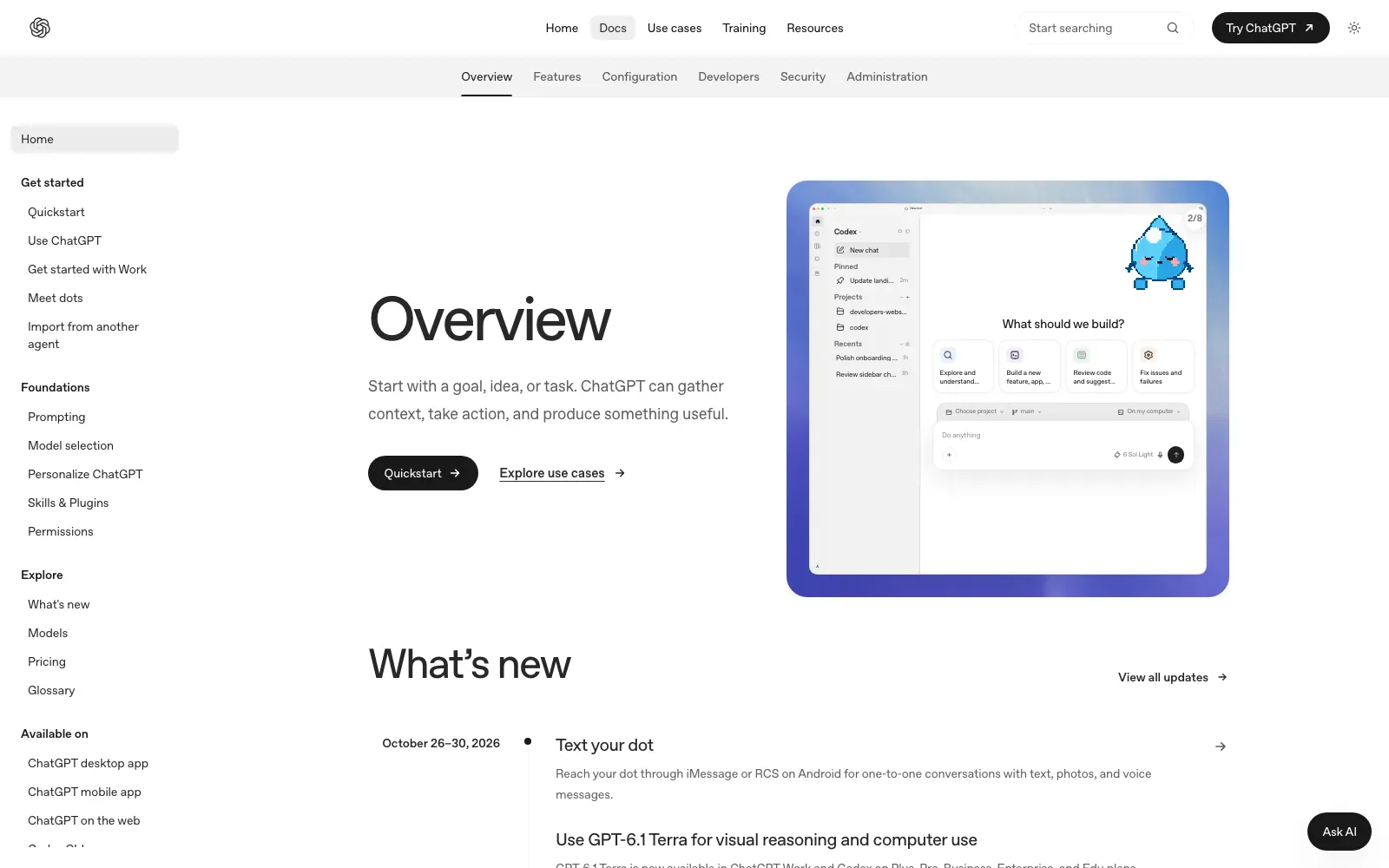
Codex runs in the ChatGPT desktop app, the mobile app and the web, and as the Codex CLI, the Codex IDE extension and Codex Cloud. It is included in ChatGPT Free, Go, Plus, Pro, Business, Edu or Enterprise plans, and shares usage and limits with ChatGPT Work. It suits people already on a ChatGPT plan who want to try coding tasks without a separate subscription.
Pick it if you already pay for ChatGPT and want Codex in the CLI, the IDE extension or on the web without a separate bill.
Look elsewhere if you need to know the output stack, hosting or code export before committing, as the pages state none of these.
Price: Free plan: $0/month, with GPT-6 Luna at Standard speed in the desktop app, subject to rollout. Paid plans from $8/month (Go); Plus is $20/month.
Visit openai.com/codex.
21. Amp
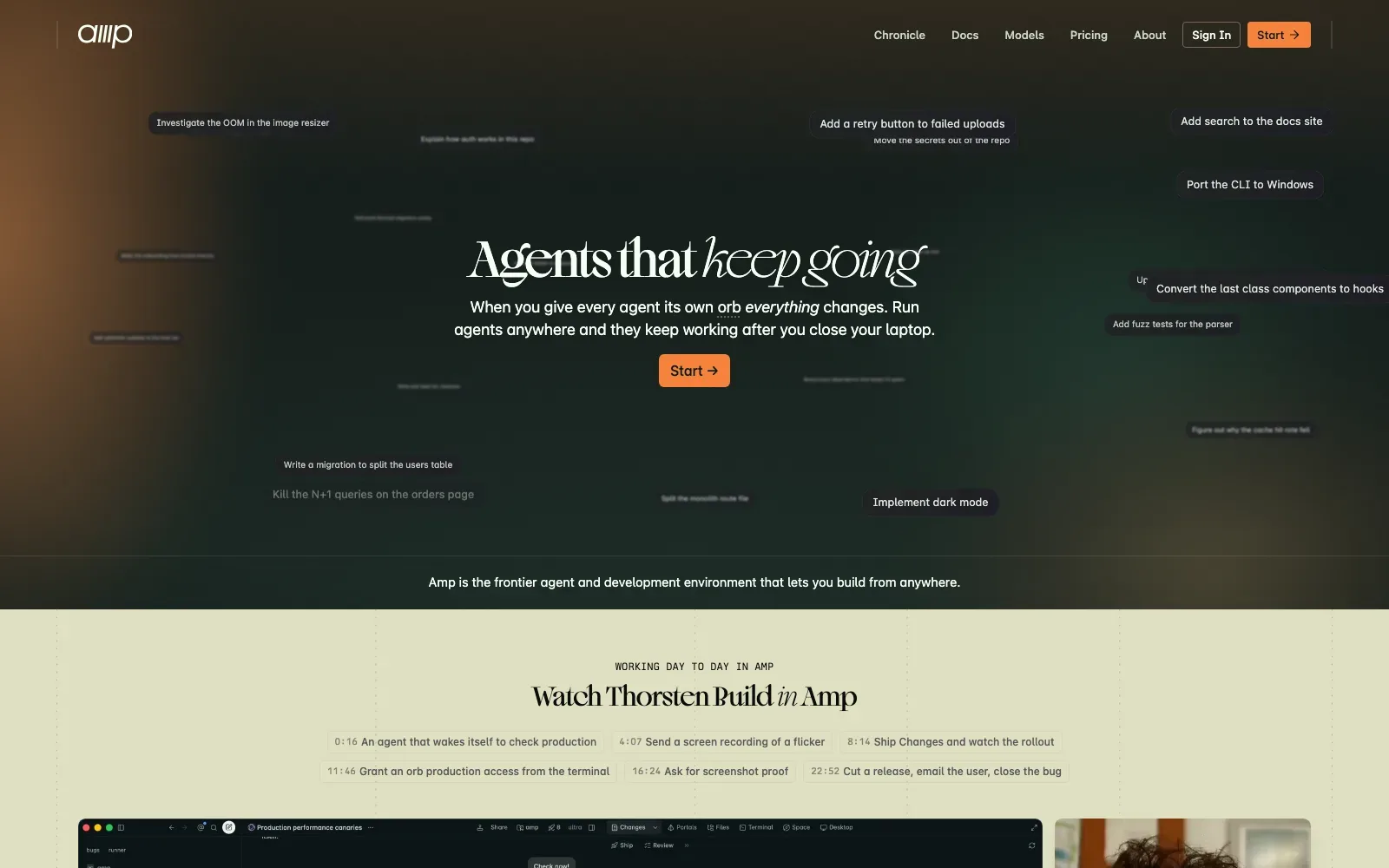
Amp is an agent and development environment built around orbs, remote computers where each agent runs independently and in parallel. Agents keep working after the laptop is closed. Work can also be continued from a phone. It suits developers comfortable in a terminal who want long-running tasks handled in the background, with their own model subscriptions or keys if preferred.
Pick it if you want agents running on remote orbs or your own runners, with the option to use your ChatGPT or Claude subscriptions or bring your own keys.
Look elsewhere if your company is on Amp's Enterprise tier and wants to bring its own keys, since free BYOK without Amp token fees does not apply there.
Price: Free plan: Hobby, with every product feature when you bring your own subscriptions or keys, and pay-as-you-go for Amp-hosted orbs. Paid plans from $20 a month (Individual).
Visit ampcode.com.
22. OpenCode
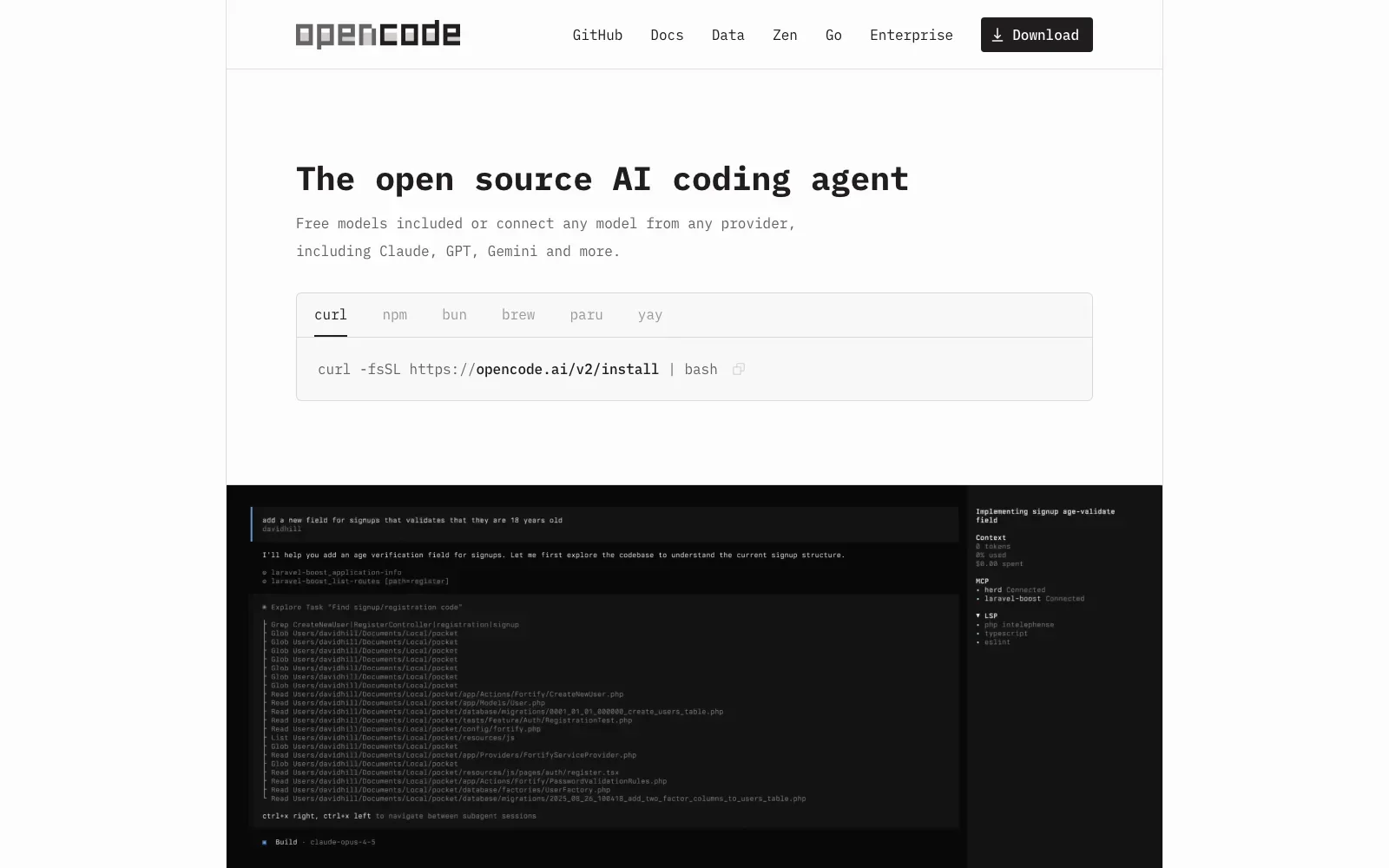
OpenCode is an open source coding agent that runs in the terminal, as an IDE extension or as a desktop app. It ships with free models. It can also connect to models from other providers, including local ones. It suits developers who are comfortable on the command line and want to choose their own model rather than be tied to one vendor.
Pick it if you want an MIT-licensed agent with free models included and the option to connect any of 75+ LLM providers.
Look elsewhere if you want a tool that builds and publishes a finished app for you, as hosting and app types are not stated and the desktop app is still in beta.
Price: Free plan: 100% free to use, with free models included. Paid plans: pricing not published, and connecting other providers may add costs.
Visit opencode.ai.
23. Devin
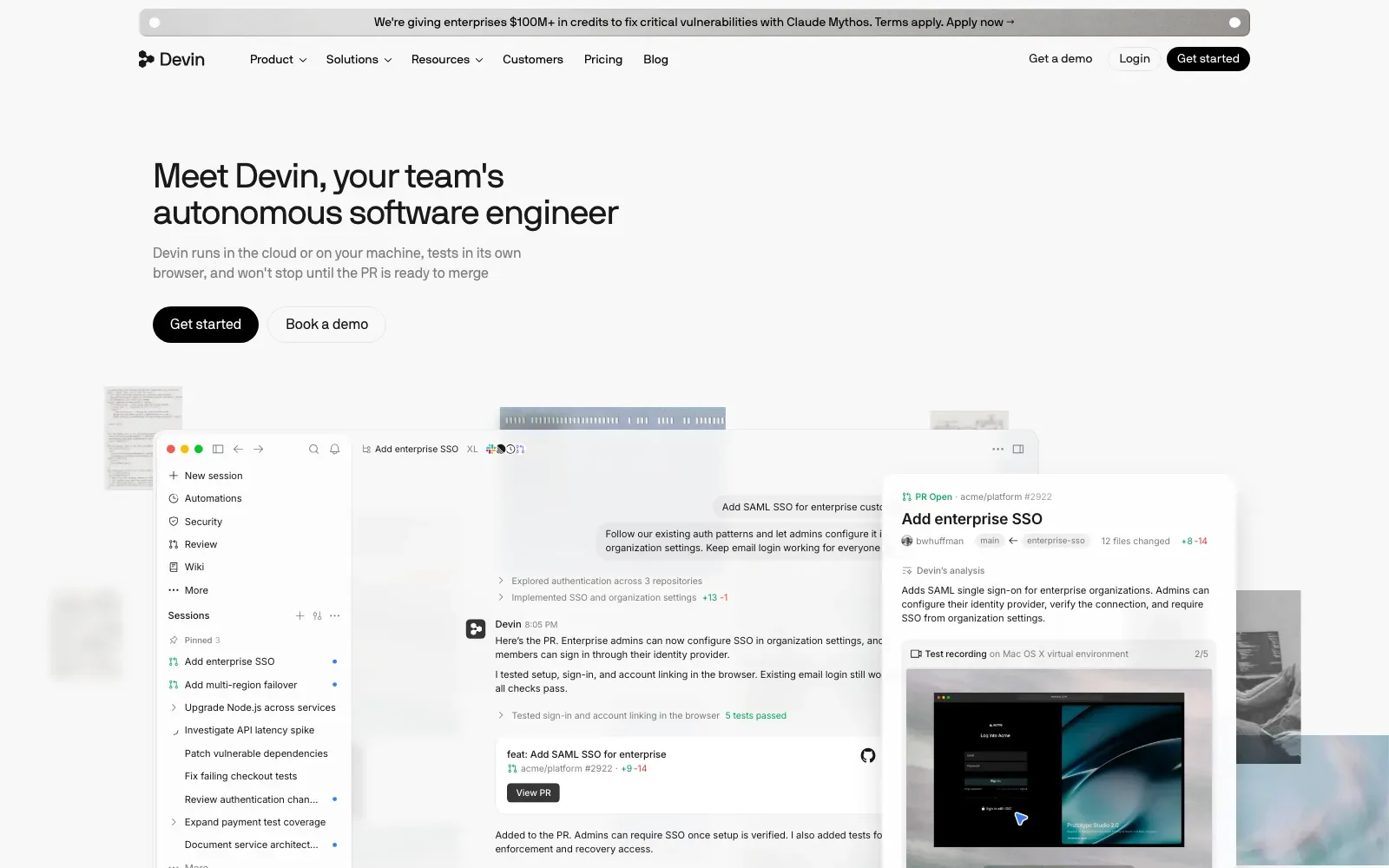
Devin is an autonomous AI software engineer that can write, run and test code. It handles Linear/Jira tickets, new features, bug fixes, PR review and code migrations, and it runs in a web app, a desktop app or a terminal CLI. It suits engineering teams with an existing codebase and a backlog to clear.
Pick it if a team has a backlog of tickets, bug fixes or migrations and wants an agent that works through them and opens pull requests.
Look elsewhere if the work is an extremely difficult task, since the docs say that as a rule of thumb Devin can most likely do what you could do in three hours.
Price: Free plan: Free at $0/month with a light quota, limited model availability, unlimited inline edits and unlimited Tab completions. Paid plans from $20/month (Pro).
Visit devin.ai.
The best free vibe coding tools
Almost every tool here has a free way in, but they are free in different ways.
- Free to build, with a daily or monthly allowance: Lovable, Bolt, v0, Base44, Emergent and Rocket all have a $0 plan with a credit or message limit. Fine for trying an idea, tight for finishing one.
- Free software, you pay the model: Dyad, Cline, Kilo Code and OpenCode are open source. You bring an API key or a subscription you already have, and OpenCode also ships with free models.
- Free tiers of paid tools: Cursor, GitHub Copilot, Zed, Kiro, Devin Desktop and Google Antigravity all have $0 plans with tighter limits than their paid ones.
- Not free: Claude Code is not on Anthropic's free plan. It starts with Pro.
How to choose a vibe coding tool
Pick by who will look after the code next month, not by which demo looked best.
- You cannot code and need a working app: start with Lovable or Base44. Both handle the database, sign-in and hosting, and both had most of their sampled apps still live.
- The site has to rank: v0 was the only builder whose apps reliably put their text in the HTML. With any other builder, plan for pre-rendering before launch, and read Base44, Lovable or Claude Code: pick by exit cost before you commit.
- You design in Figma: Figma Make keeps you in the file you already have. Check the robots tag on anything you publish.
- You are a developer: an editor such as Cursor or Zed, or an agent such as Claude Code, keeps the code in your repository from day one. The trade-offs between those are in Claude Code vs Cursor and AI dev tools in 2026, and which model to run them with is in the best AI coding models.
- You want no lock-in at all: Dyad, Cline, Kilo Code and OpenCode are open source and run with the model you choose.
Taking a vibe-coded app to production
A prototype that works in the preview is not yet a product. The gaps in this sample are the usual ones: text that only appears after JavaScript, missing canonical tags and sitemaps, the odd noindex tag, and apps that quietly stop loading. None of that is exotic. But it is still technical debt waiting to be cleared. Vibe coding to production covers what has to change before real users arrive, and hosting for Lovable and v0 apps covers where to run them.
If you have a vibe-coded prototype and need it turned into a product that is fast, findable and yours to maintain, that is what my MVP development service does. For an existing codebase you want an agent working on, see Claude Code development.
Questions people ask
What is the best vibe coding tool?
It depends on who you are. For people who do not code, Lovable and Base44 build complete apps with hosting included. For a site that needs to rank, v0's apps were the only ones in this sample that reliably served their text in the HTML. But developers should think differently: Cursor, Claude Code and Zed keep the code in your own repository.
Which vibe coding tools are free?
Most have a free plan with a usage limit, including Lovable, Bolt, v0, Base44, Cursor, GitHub Copilot and Google Antigravity. Others are free in a different sense. Dyad, Cline, Kilo Code and OpenCode are open source and free to use, with you paying for the AI model. Claude Code is not on Anthropic's free plan.
Are vibe-coded apps bad for SEO?
They can be. In this sample only 34% of live apps had their text in the HTML before JavaScript ran, which matters for crawlers that do not run JavaScript, including the AI crawlers in Vercel's study. Canonical tags and sitemaps were often missing too. Each of these can be fixed, but the builders mostly leave it to you.
Can I export the code from a vibe coding tool?
Most app builders let you. Lovable says you own your code, Base44 offers two-way GitHub sync of the full source, v0 includes GitHub sync on its free plan, and Dyad keeps the project files on your own disk. Editors and agents such as Cursor, Zed and Claude Code work directly in your repository (the cleaner default if you already know how to maintain one).
What happened to Windsurf, Gemini CLI and Roo Code?
Windsurf is now Devin Desktop: Cognition renamed it on June 2, 2026, with the same editor and features. Gemini CLI's individual access moved to Antigravity CLI on June 18, 2026. And the Roo Code extension has been shut down and its repository archived; its team now offers a cloud agent called Roomote.